17
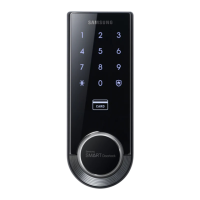
Smart
Door Lock
SHS-3320/3321
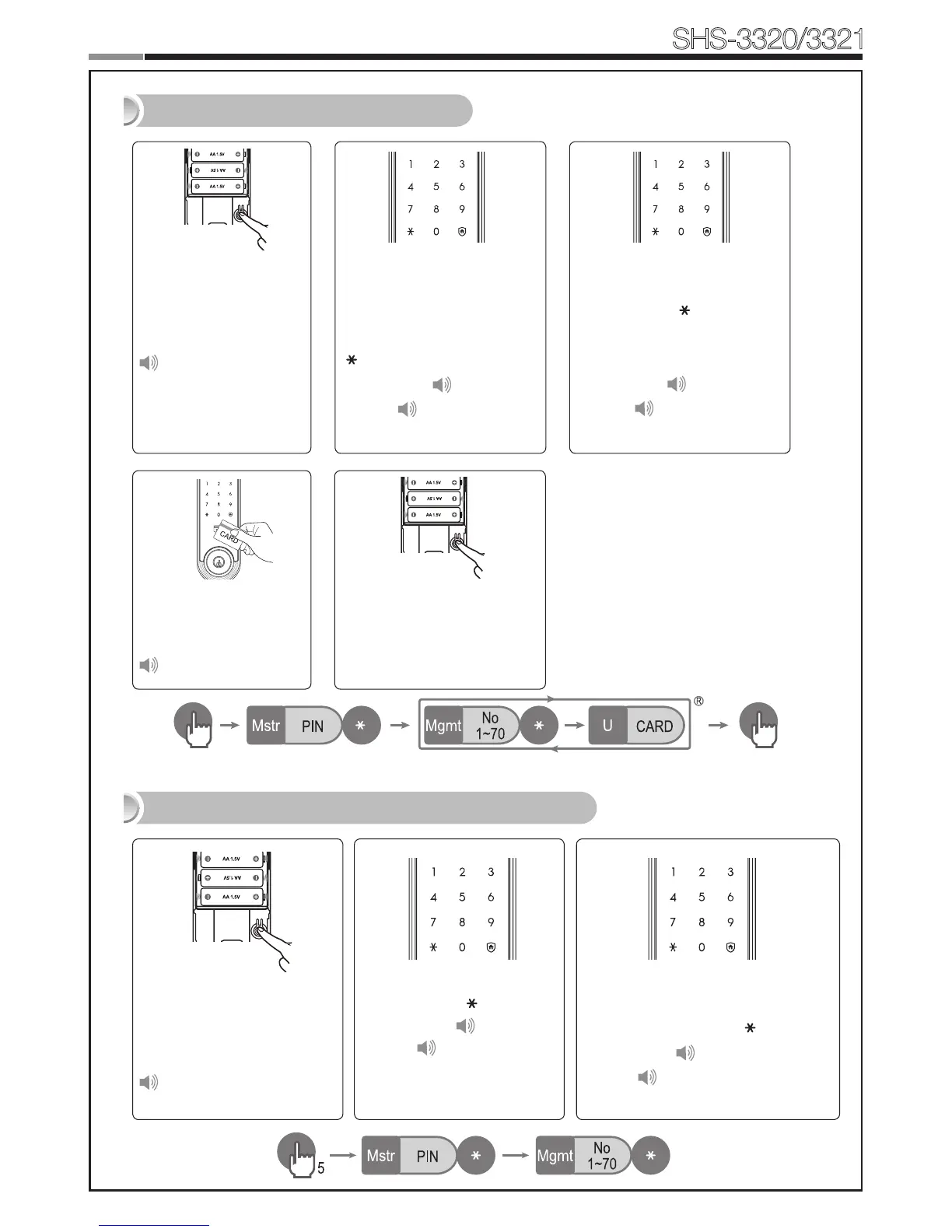
Open the battery cover
of the Interior Unit and
press the [Registra-
tion]buttonbriey.
Ding dong
EnteraUserNumber(1~70)
to register the User Card code
and press the [ ] button.
* Choose a User Number that
has not already been used.
Successful: Ding dong
Failed: Ding dong ding
dong
Registering a User Card
Deleting User PIN Code / User Card
When the touchscreen is il-
luminated, enter the current
Master PIN Code (default
is ‘1234’) and press the
[ ] button.
Successful: Ding dong
Failed: Ding dong ding
dong
Touch the Card reader
with the Card to regis-
ter.
Ding dong dang
Enter another User Number
or press the [Registration]
button to quit.
Open the battery cover of
the Interior Unit and press
and hold the [Registra-
tion] button for 5 seconds.
Dingdong→Dingding
Enter the Master PIN Code
and press the [ ] button.
Successful:Ding dong
Failed: Ding dong ding
dong
Enter the User Number (1 to 70) of
the User PIN Code or Card to be
deleted and press the [ ] button.
Successful: Ding dong dang
Failed: Ding dong ding dong


 To Next Page