15
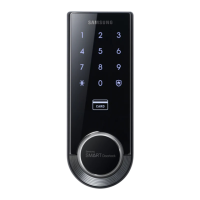
Smart
Door Lock
SHS-3320/3321
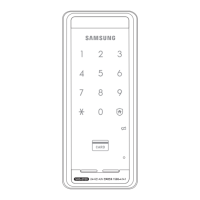
Random Security Function : This mode prevents the disclosure of the PIN Code by enter-
ing the PIN Code after authenticating 2 arbitrarily selected numbers. When the buttons for 2
arbitrarily selected numbers are illuminated, pressing the 2 illuminated buttons illuminates the
whole touchscreen. You can enable or disable the Random Security function. This function is
enabled by default.
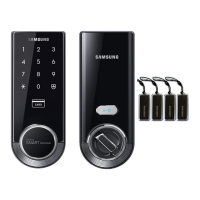
Registration Button : This button is used to change Master PIN Code/User PIN Codes/User
Cards or the lock settings. It is found below the battery cover of the Interior Unit. The length of
time the [Registration] button is pressed varies depending on the function.
Resetting : Deletes all registered information and restores the factory default. After resetting,
change the Master PIN Code for security.
Restart Button : This button resets the lock when the lock stops functioning. Registered infor-
mation is not deleted.
Sound Setting : The volume during the input of numbers and opening or locking of the door
canbesetfromLevel0~Level3.ThesoundismutedatLevel0andisatmaximumvolumeat
Level 3. The registration mode operates at Level 2 regardless of the sound setting.
User Card : You can register up to 70 User Cards including the User PIN Codes. You can open
the door with a User Card.
User/Management Number : It is the same number as the registered user’s address and can
be set from 1 to 70. The User Number should be managed with caution as it is used to register
or delete User PIN Codes/Cards.
User PIN Code : You can register up to 70 User PIN Codes (4-12 digits) including the User
Cards. You can open the door with a User PIN Code.
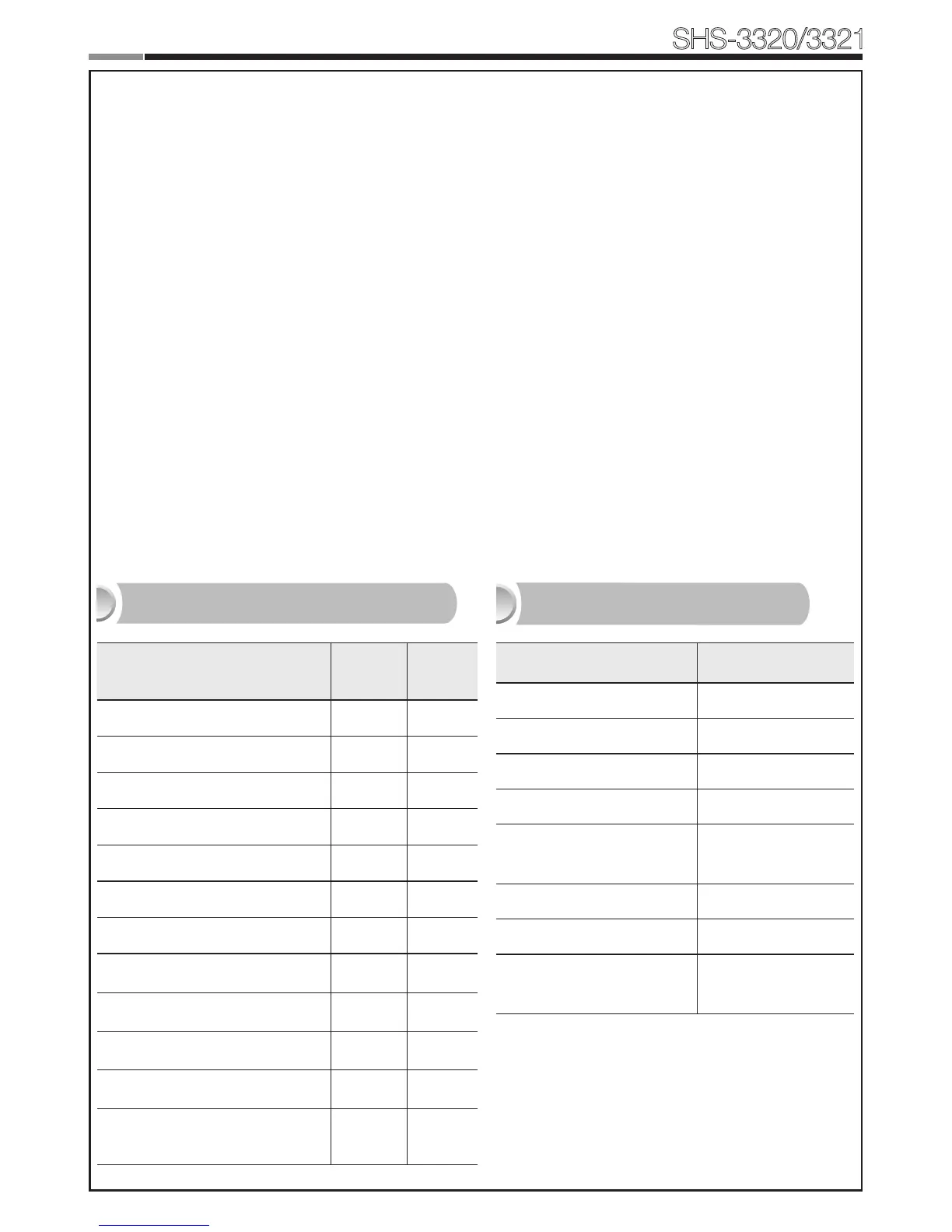
Function Factory Default
Master PIN Code 1234
Volume Level 2
User PIN Code/Card None
Locking Mode Auto
Out-of-home Security
Function
Disabled
Double-locking Disabled
Random Security Enabled
Double Authentication
Mode
Disabled
Settings Master User
Opening the Door
Setting Up the Sound
Changing Master PIN Code
Registering User PIN Code/Card
Deletion of User PIN Code/Card
Setting the Locking Mode
Setting Out-of-home Security
Setting Double-locking
Setting Random Security
Factory Reset
Setting the Volume
Setting the Double Authenti-
cation Mode
Scope of Master, User Settings
Factory Default


 To Next Page