operating _33
03 OPERATING
ADDITIONAL FUNCTIONS
Using additional functions
You can use the cleaning robot more easily and conveniently using various additional
functions.
■
You can only configure the additional functions with the remote control.
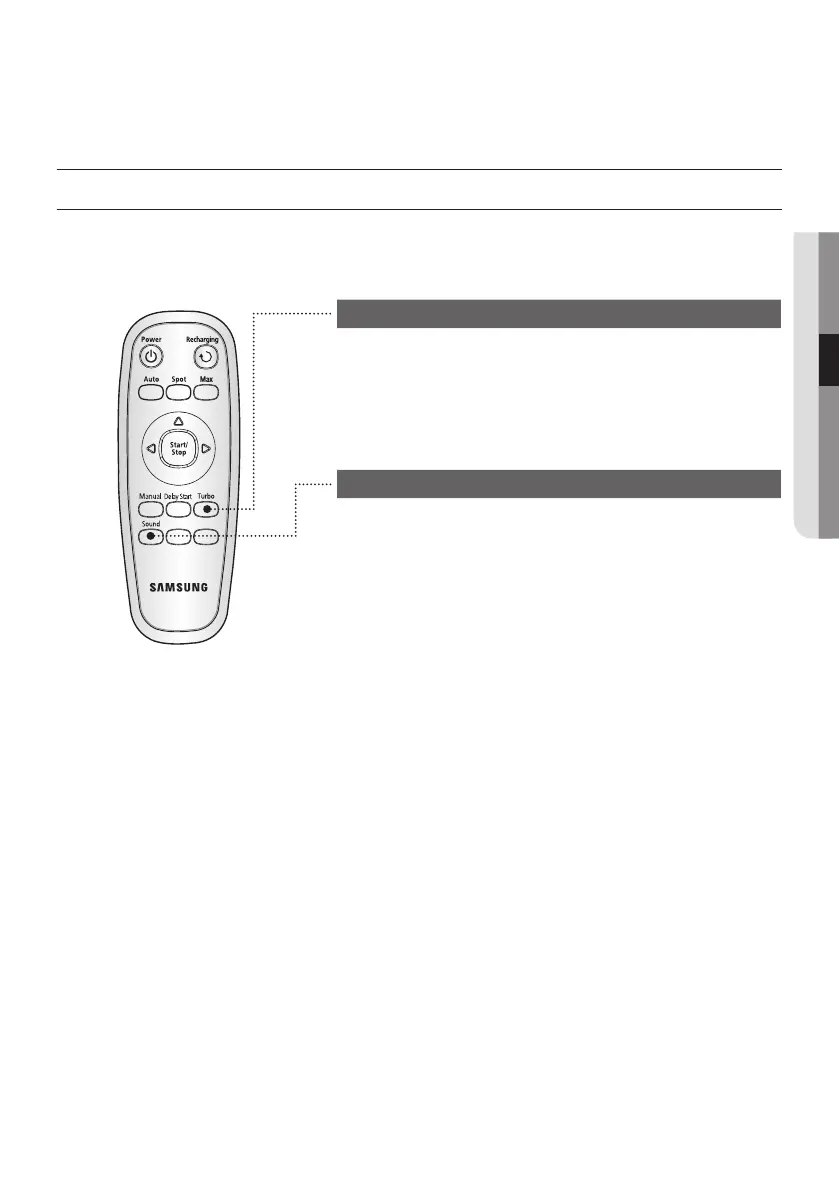
Turbo Mode
Each time you press the Turbo button, the Turbo icon on the
display panel is turned on or off sequentially.
On turbo (Turbo Mode) : The power brush rotates at
maximum speed.
Off turbo (Normal Mode) : The power brush rotates at normal
speed.
Selecting a Sound Effect
Press the Sound select button to select a sound effect.
■
Each time you press this button, Sound Effects
→
Mute is
selected in this sequence.
- Sound Effects : Plays sound effects.
- Mute : Plays no sound or announcements.



 To Next Page