34_ maintain
CLEANING THE VACUUM CLEANING ROBOT
Please keep the cleaning and maintenance methods in mind
■
When the Power Switch is damaged, please contact the service
agent so that it does not cause any accidents.
■
Do not use any means or mechanical devices not installed by the
manufacturer that could accelerate the deformation of the vacuum
cleaning robot.
■
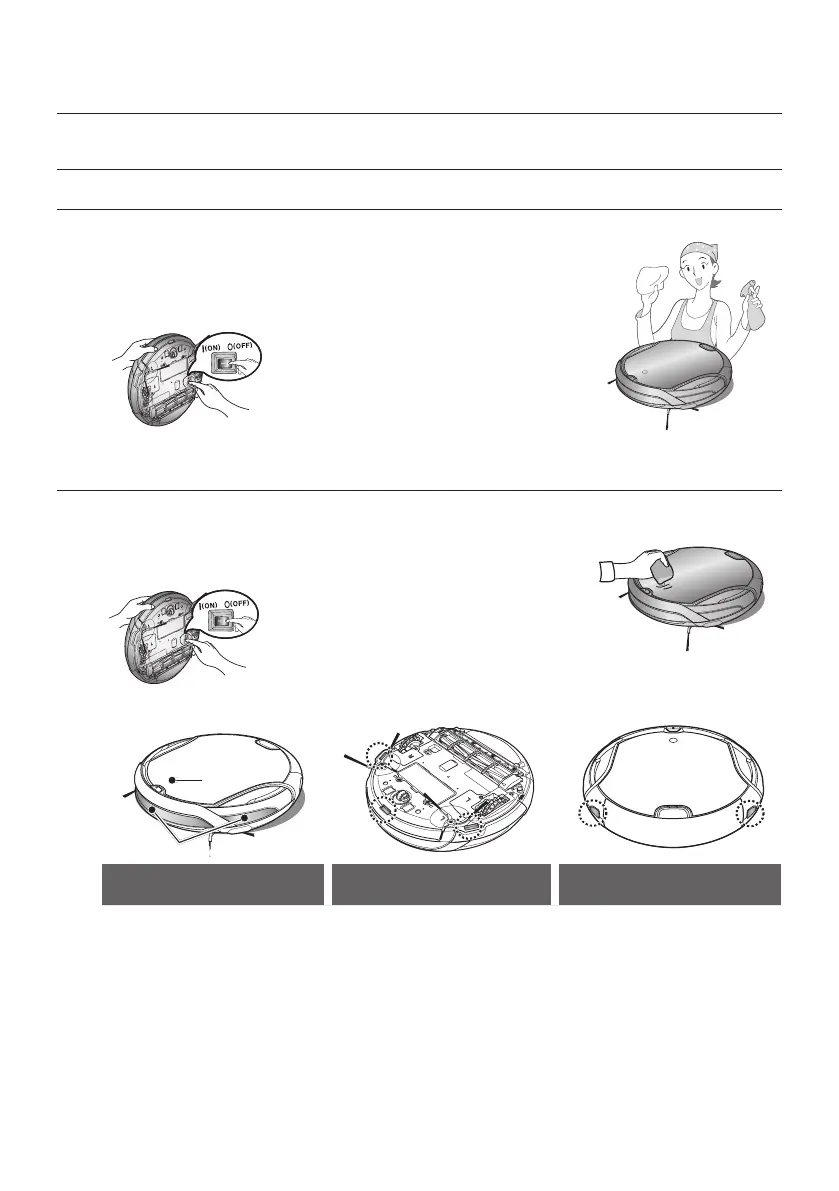
Always turn off the power switch at the
bottom of the main unit before cleaning
the vacuum cleaning robot. The vacuum
cleaning robot could operate suddenly and
cause an injury.
Cleaning the Sensor Window and the Camera
You must turn off the Power Switch at the bottom of the main
unit before cleaning the vacuum cleaning robot.
■
Never spray water, thinner, benzene etc. directly onto the main unit
of vacuum cleaning robot.
■
Lightly wipe the sensor window or camera
using a soft cloth.
Front Sensor window
Camera
Front Sensor Window and
Camera
Cliff Sensor Window Rear Sensor Window
Maintain tools and filters



 To Next Page