32_ operating
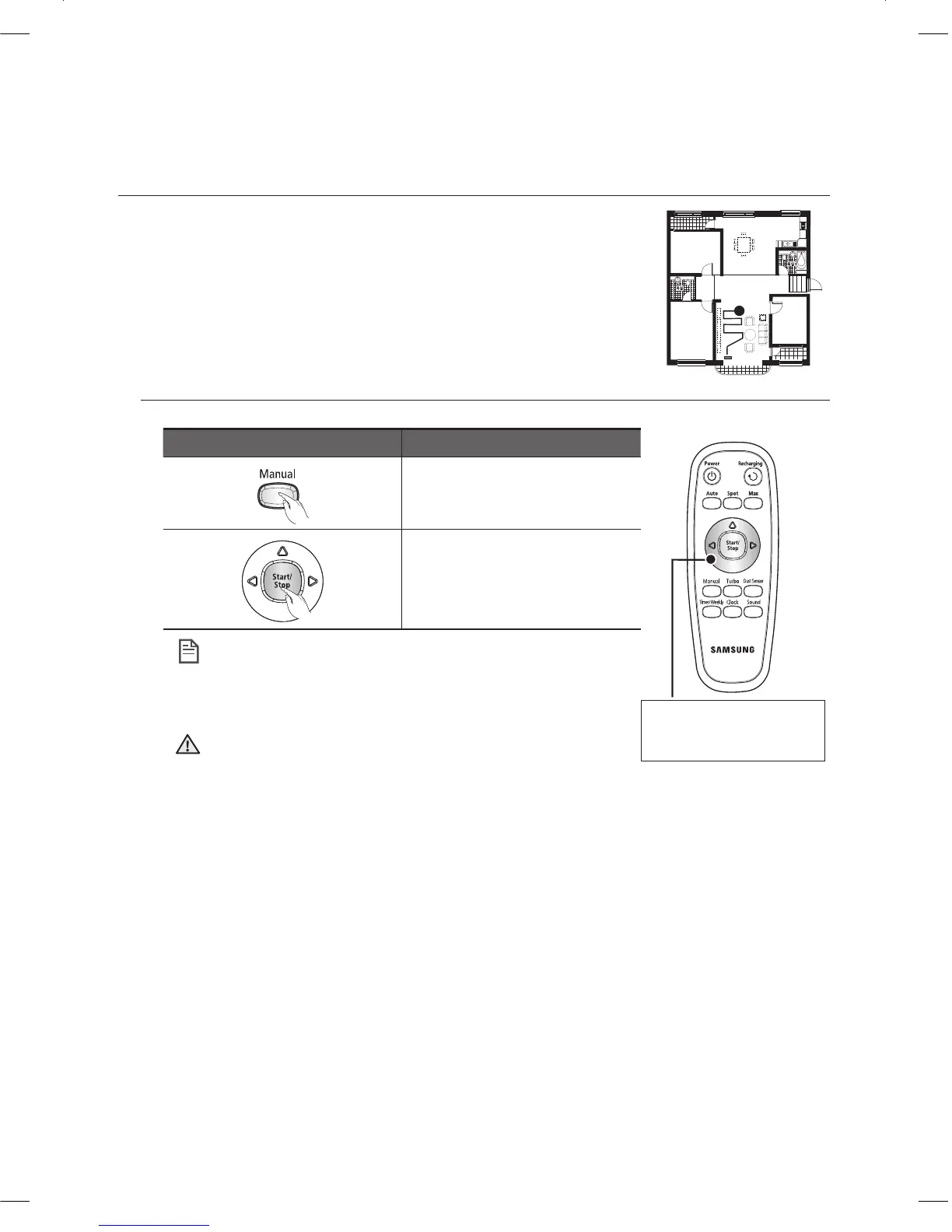
Manual Cleaning
You can move the vacuum cleaning robot to clean a particular
location directly by using the remote control.
Move the vacuum cleaning robot to the location where you want to
■
perform manual cleaning.
You can manually clean using the remote control only.
■
Remote control button Confi guration Sequence
supported.
Set the mode.1.
Cancel the mode.2.
When the vacuum cleaning robot is docked with the •
charger station, manual cleaning is not supported.
If there is no input for about 1 minute to switch to standby •
mode.
Each time you press the Turbo button, the Turbo icon on •
the display panel is turned on or off sequentially. When the
Turbo icon is turned on, you can start cleaning in Turbo
mode.
Each time you press the Dust Sensor button, the Dust •
Sensor icon on the display panel is turned on or off
sequentially. When the Dust Sensor icon is turned on, you
can start cleaning in Dust Sensor mode.
NOTE
CAUTION
DJ68-00633G(EN).indd 32DJ68-00633G(EN).indd 32 2012.2.15 6:46:2 PM2012.2.15 6:46:2 PM



 To Next Page