troubleshooting _43
05 TROUBLESHOOTING
CHECKLIST BEFORE SVC CALLS
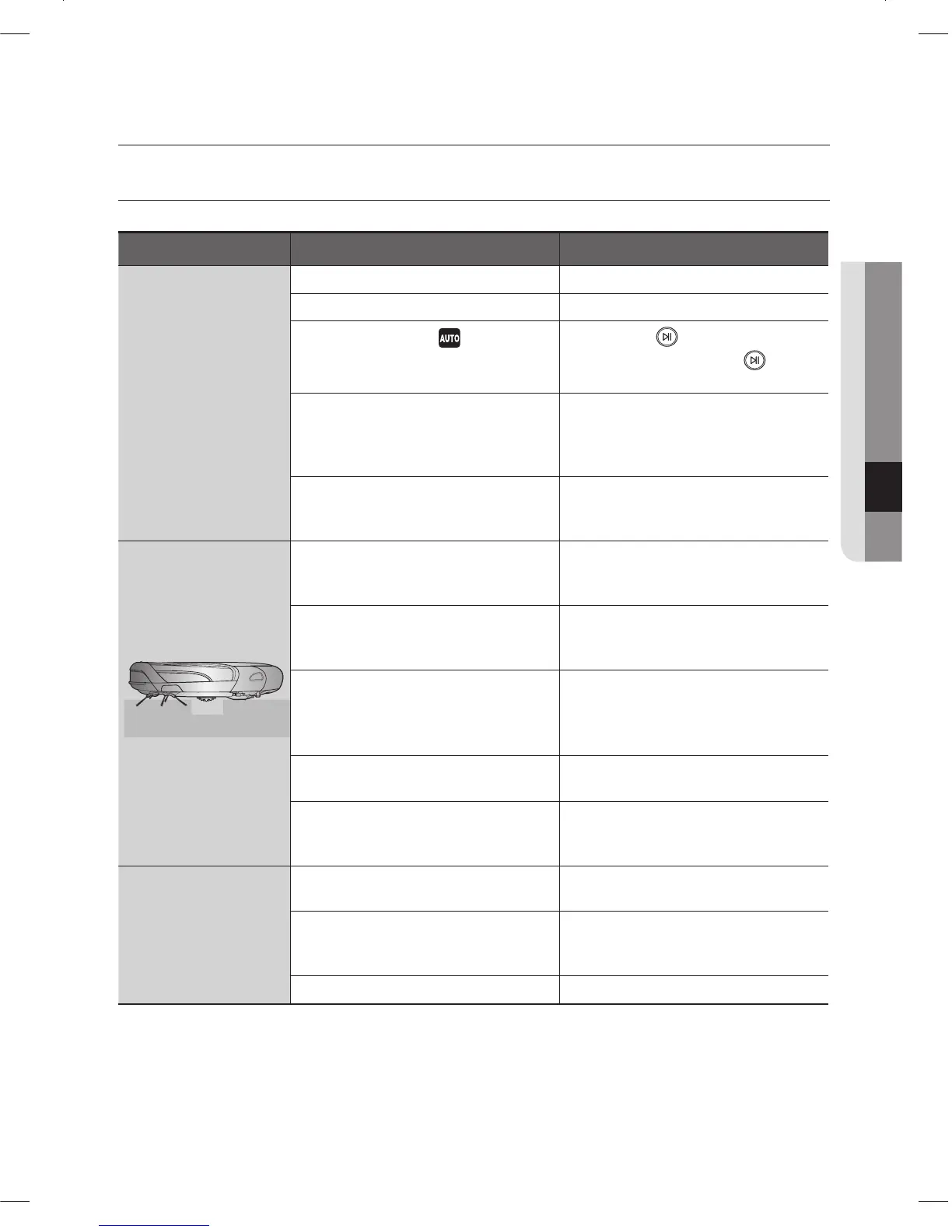
Symptom Checklist Measure to Take
Vacuum cleaning
robot does not
operate at all before
cleaning.
Is the dust bin assembled?• Install the dust bin.•
Is the Power Switch turned on?• Turn on the Power Switch.•
Is cleaning mode •
in the display
panel turned on?
Press the •
button. (To turn it
off, press and hold the
button
down for 3 seconds or longer.)
Is the battery level fl ashing only •
one level and is ‘Lo’ displayed in
the display panel?
Lift up the vacuum cleaning robot, •
and manually dock the vacuum
cleaning robot onto the charger to
charge it.
Vacuum cleaning robot will not •
operate when the battery in the
remote control is depleted.
Replace the batteries in the remote •
control. (AAA type)
Vacuum cleaning
robot stopped
operating while
cleaning.
Is the battery level fl ashing only •
one level and is ‘Lo’ displayed in
the display panel?
Lift up the vacuum cleaning robot, •
manually dock the robot onto the
charger to charge it.
Has the vacuum cleaning robot •
become hooked on wires on the
fl oor?
Turn off the Power Switch and •
remove the wires.
Is the vacuum cleaning robot stuck •
to the fl oor where there is a height
difference?
The driving wheel is lifted. -
Turn off the Power Switch and •
move the cleaning vacuum
cleaning robot to another place to
clean.
Is there a thin towel (cloth) •
wrapped around the driving wheel?
Turn off the Power Switch and •
remove the thin towel.
Is the vacuum cleaning robot stuck •
on the doorsill?
Turn off the Power Switch and •
move the vacuum cleaning robot
to another place to clean.
The suction power is
weak while cleaning.
Check whether the dust bin is full •
of dust.
Stop the vacuum cleaning robot •
and empty the dust bin.
Check whether the suction inlet is •
clogged by foreign substances.
Turn off the Power Switch and •
remove the foreign substances on
the suction inlet.
Check whether the fi lter is clogged.• Clean the fi lter well.•
troubleshooting
DJ68-00633G(EN).indd 43DJ68-00633G(EN).indd 43 2012.2.15 6:46:6 PM2012.2.15 6:46:6 PM



 To Next Page