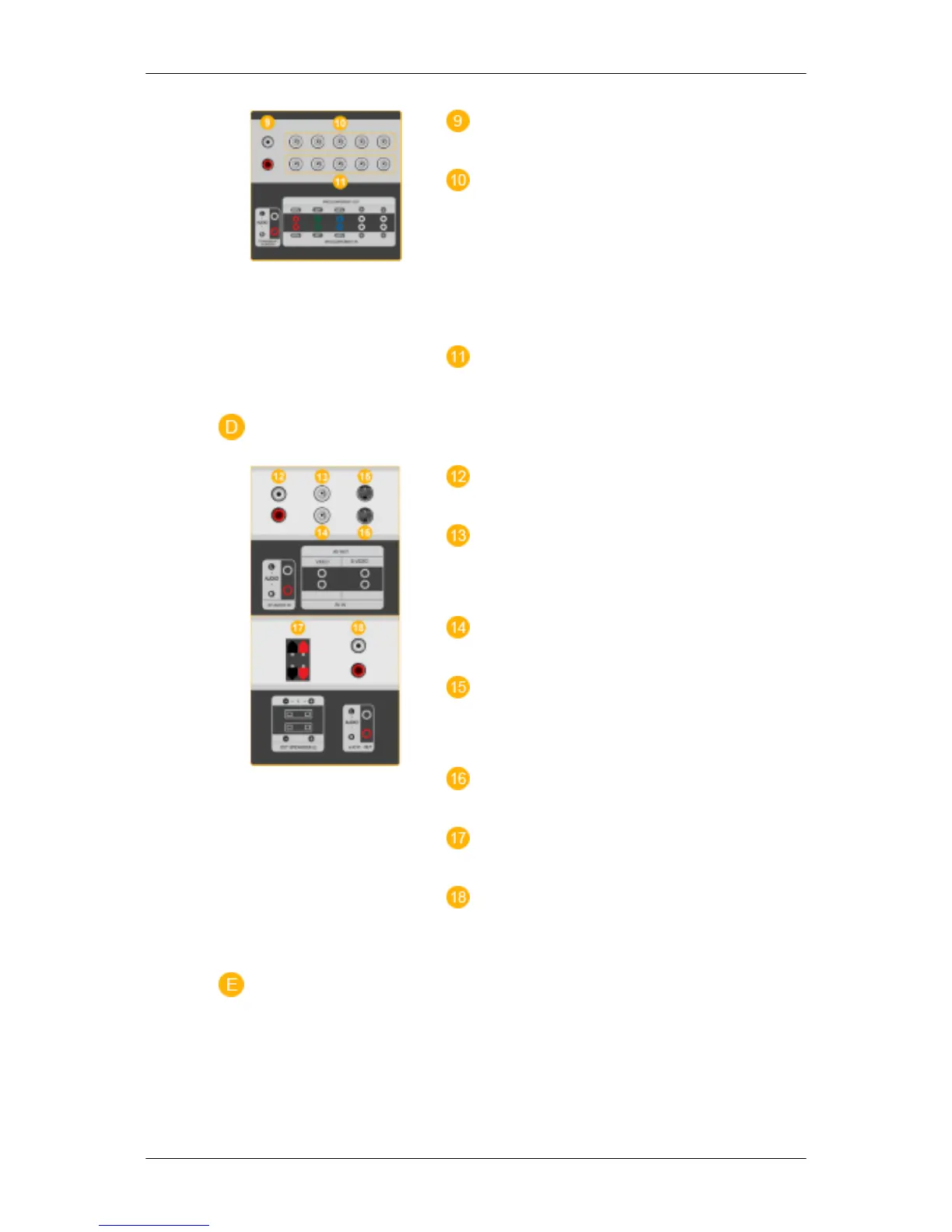
COMPONENT AUDIO IN [L-AUDIO-R]
(Component Audio Connection Terminal (Input))
BNC/COMPONENT OUT [R/PR, G/Y, B/
PB, H, V] (BNC/Component Connection Termi-
nal (Output))
BNC (Analog PC) Connection: connecting the R,
G, B, H, V ports
Component Connection: connecting the PR, Y,
PB ports
BNC/COMPONENT IN [R/PR, G/Y, B/PB,
H, V](BNC/Component Connection Terminal
(Input))
AV AUDIO IN [L-AUDIO-R] (LCD Display
Audio Connection Terminal (Input))
AV OUT [VIDEO](VIDEO Connection Ter-
minal)
AV mode (Output)
AV IN [VIDEO](VIDEO Connection Termi-
nal) (Input)
AV OUT [S-VIDEO] (S-VIDEO Connection
Terminal)
S-VIDEO mode (Output)
AV IN [S-VIDEO](S-VIDEO Connection
Terminal) (Input)
EXT SPEAKER(8 Ω)[- - L - +, - - R - +] (EXT
Speaker Connection Terminal)
AUDIO OUT [L-AUDIO-R] (LCD Display
Audio Connection Terminal (Output))AUDIO
OUT is the terminal for sound output of PC, DVI
or BNC.
Introduction







 To Next Page