Note
• More than one PIP cannot be overlapped on screen as BNC and the Component use the same
terminal.
•
If you select
, , in Size, Position and Transparency will not be activated.
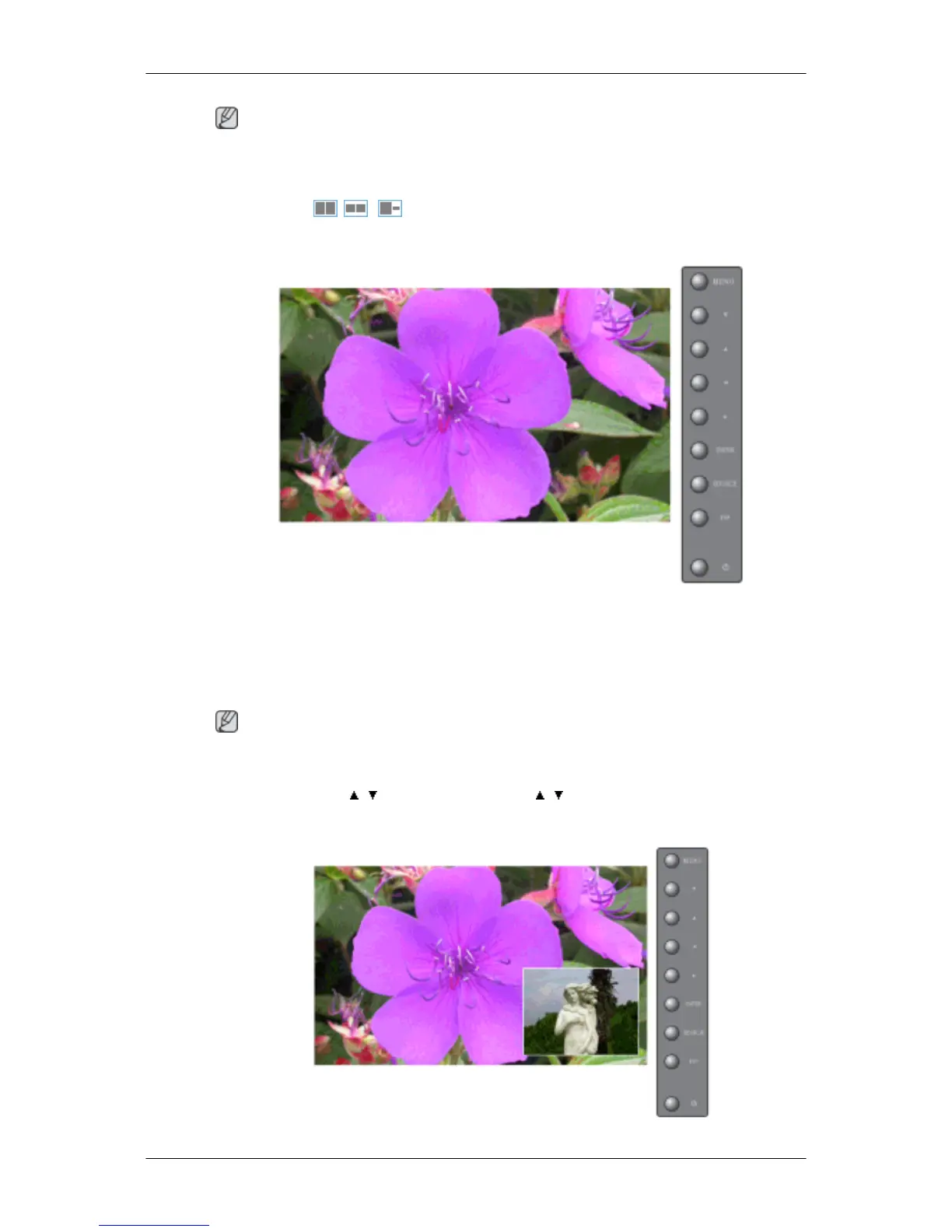
PIP
Turns the PIP Screen Off/On.
• Off
• On
Note
The direct button on the remote control is the 'PIP' button.
MENU → ENTER → , → ENTER → ENTER → , → ENTER
Source
Adjusting the LCD Display







 To Next Page