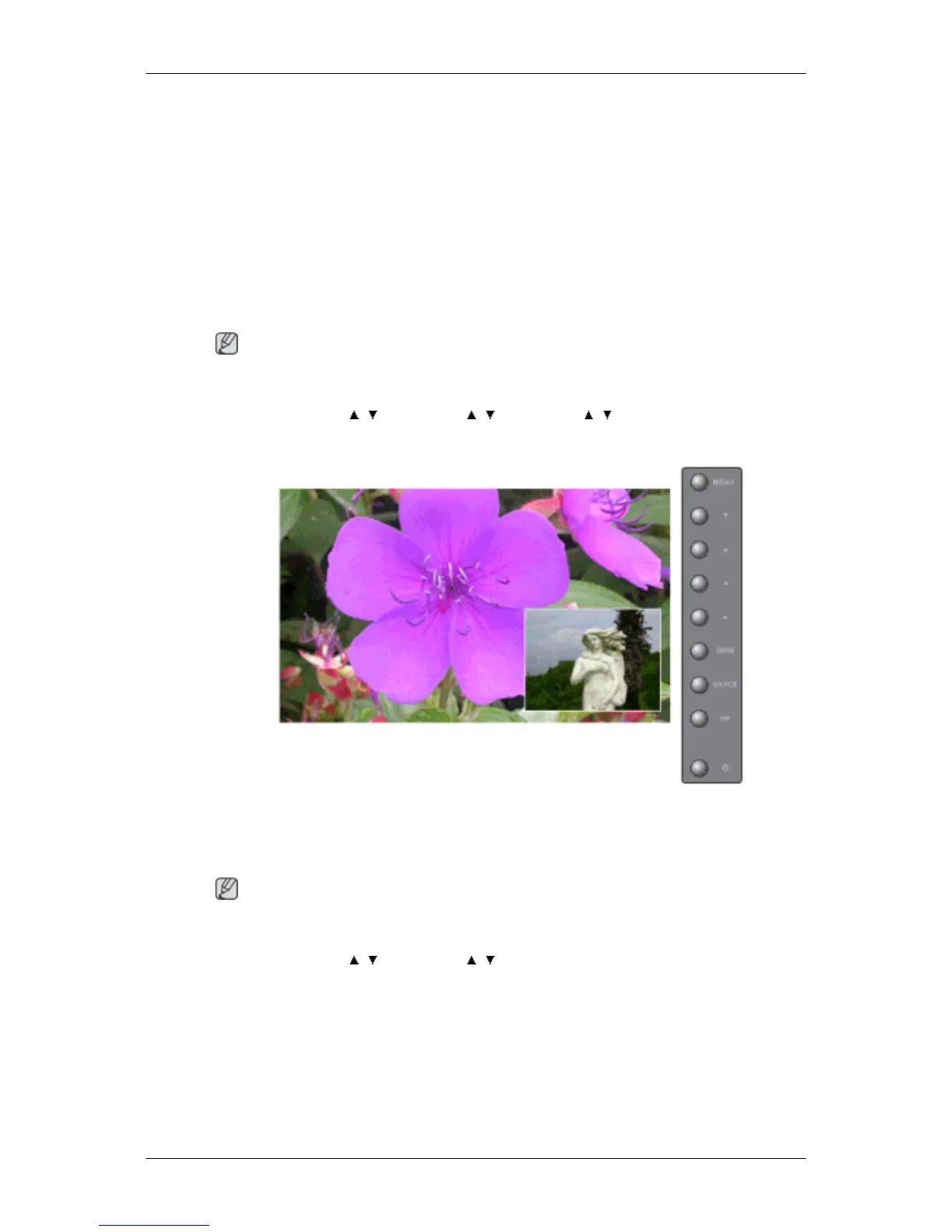
Selects the input source for the PIP.
• PC : AV / S-Video / Component / HDMI Mode
• BNC : AV / S-Video / HDMI Mode
• DVI : AV / S-Video / Component Mode
• AV / S-Video : PC / BNC / DVI Mode
• Component : PC / DVI Mode
• HDMI : PC / BNC Mode
Note
The direct button on the remote control is the 'SOURCE' button.
MENU → ENTER → , → ENTER → , → ENTER → , → ENTER
Swap
Swaps the contents of the PIP and main image.
The image in the PIP window will appear on the main screen, and the main screen image will appear
in the PIP window.
Note
The direct button on the remote control is the 'SWAP' button.
MENU → ENTER → , → ENTER → , → ENTER
Adjusting the LCD Display







 To Next Page