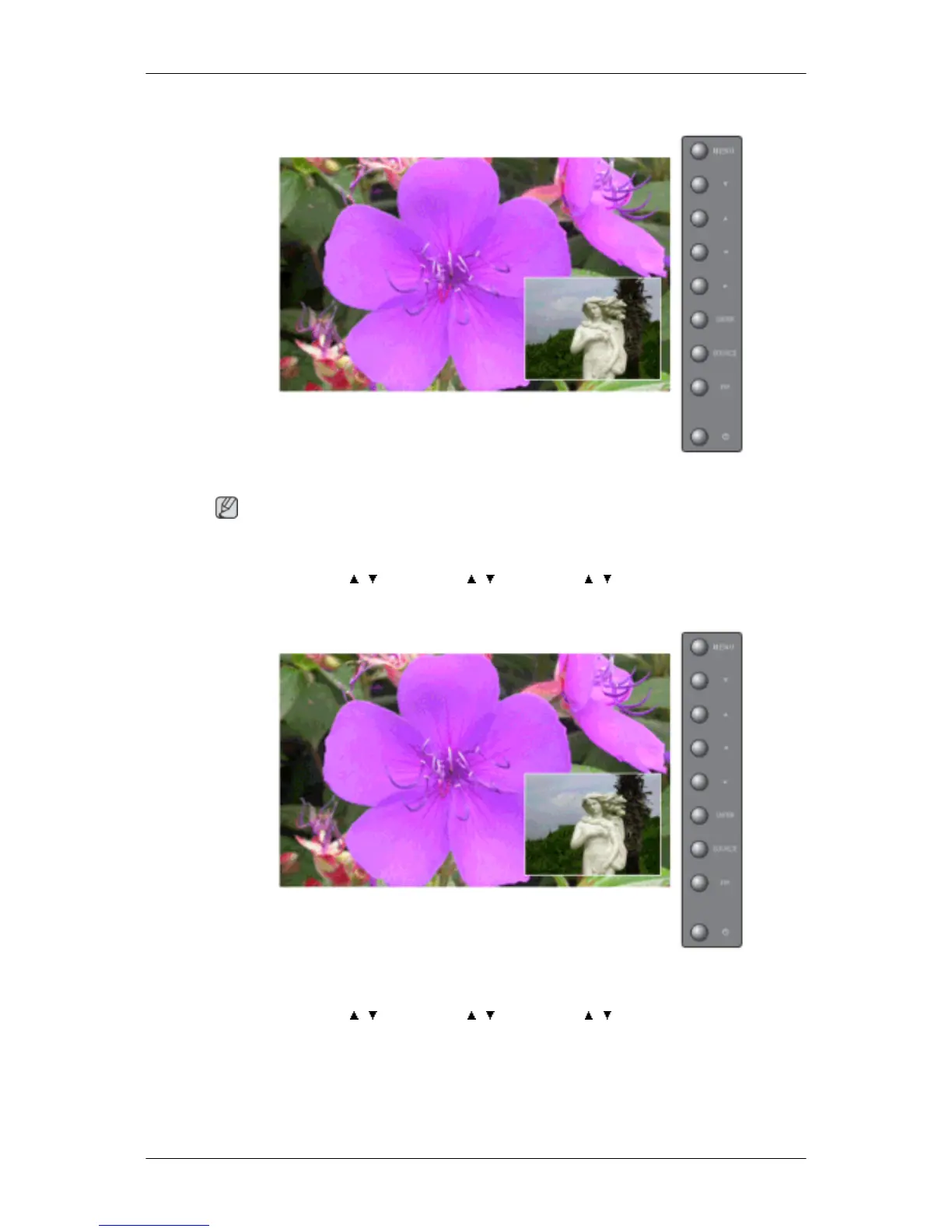
Size
Changes the Size of the PIP window.
Note
The direct button on the remote control is the 'SIZE' button.
MENU → ENTER → , → ENTER → , → ENTER → , → ENTER
Position
Changes the Position of the PIP window.
MENU → ENTER → , → ENTER → , → ENTER → , → ENTER
Adjusting the LCD Display







 To Next Page