3-5 Using the Product
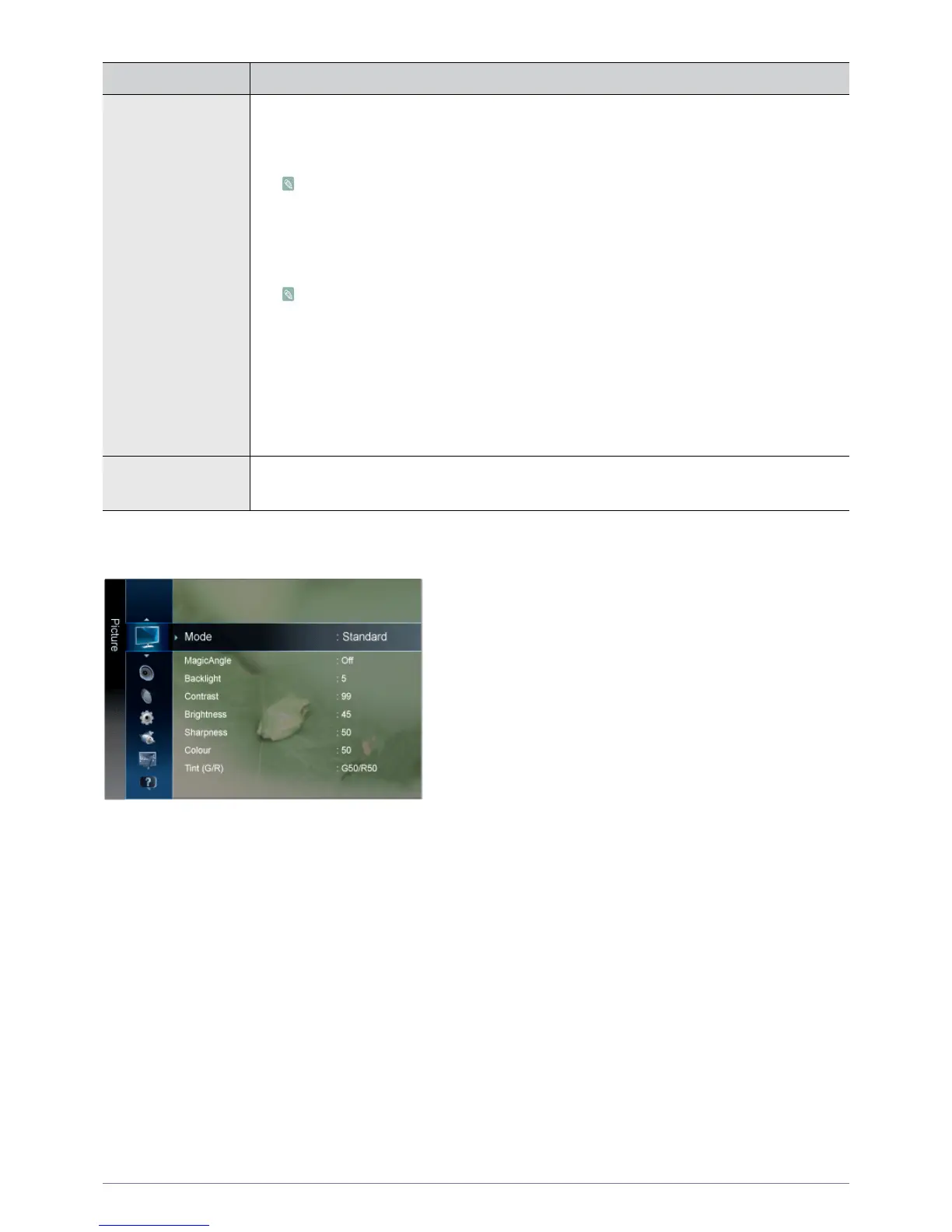
Picture [ TV / Ext. / Component or AV / HDMI ]
Picture Options • <Colour Tone>
The tone of the colour can be changed.
- <Cool> - <Normal> - <Warm> - <Custom>
• Available in <PC> mode only
• Not available when <MagicBright> is <Dynamic Contrast>.
• <R-Gain > - < G-Gain > - <B-Gain >
Adjusts the individual R, G, B (Red, Green, Blue) colour controls.
Not available when <MagicBright> is <Dynamic Contrast>.
• <Size>
You can switch the Size.
- <16:9> - <4:3>
• <Auto Protection Time>
Set the time the screen remains idle with a still image until the screen saver is activated. The
screen saver prevents the formation of ghost images on the screen.
- <2 hours> - <4 hours> - <8 hours> - <10 hours> - <Off>
Picture Reset Picture parameters are replaced with the factory default values.
• <OK> - <Cancel>
MENU DESCRIPTION











 To Next Page