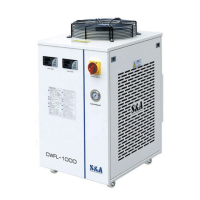
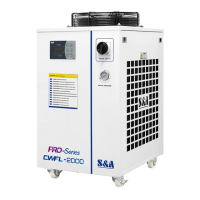
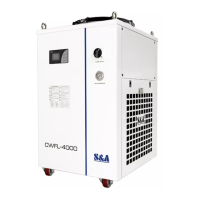
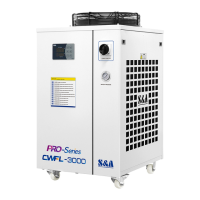
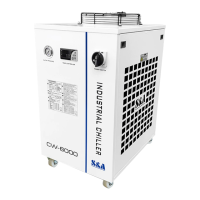
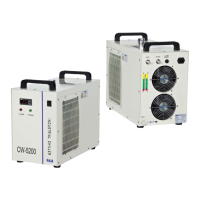
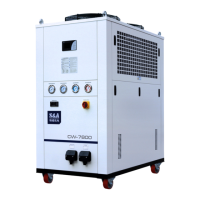
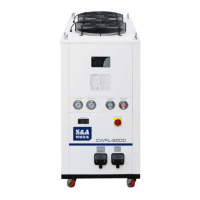
CWFL-6000 Series
<4> Unit introduction and parameters
adjustment
(1) The unit use wire LCD temperature controller to realize more precise
temperature control and stronger capacity of resisting disturbance. It supports
MODBUS-485 communication with transmission distance up to 1.2km;
(2) It has water line anti-icing function. Under standby condition, it functions
when the room temperature is below 5℃;
(3) It has water tank heating function;
(4) It has water line actual flow monitoring function;
(5) It has actual conductivity monitoring function.
1. Temperature control panel introduction and parameters adjustment
(1) The control panel has LCD screen with 7 system operation buttons which
are Language Switching-button (Lang), UP-button (▲), Down-button (▼),
Power-button Set-button (Set), Quick Set-button (Quick Set) and Quit-button
(Quit). Turn off the chiller by pressing the Power-button for 3 sec while other
operations can be completed by short press.
(2) User parameters quick-adjusting: under normal operation condition, press
Quick Set-button to set the user menu. When it displays the set item, press Quick
Set to enter into parameter adjustment interface. Press ▲ or ▼ to to switch the
parameter items. If the parameters need to be modified, press Quick Set-button to
enter into parameter values and press ▲ or ▼ to adjust it. Save the values and
return to parameter quick setting interface by pressing Quit-button when the
adjustment is completed. If there is no more action within 15 sec, it will
automatically exit modifying status with modified parameters saved.
(3) User menu: under normal operation condition, press Set-button for 5 sec to
show user input password interface. Input “168” by pressing ▲ or ▼, then press


 To Next Page