25
Querying the Cooking Function
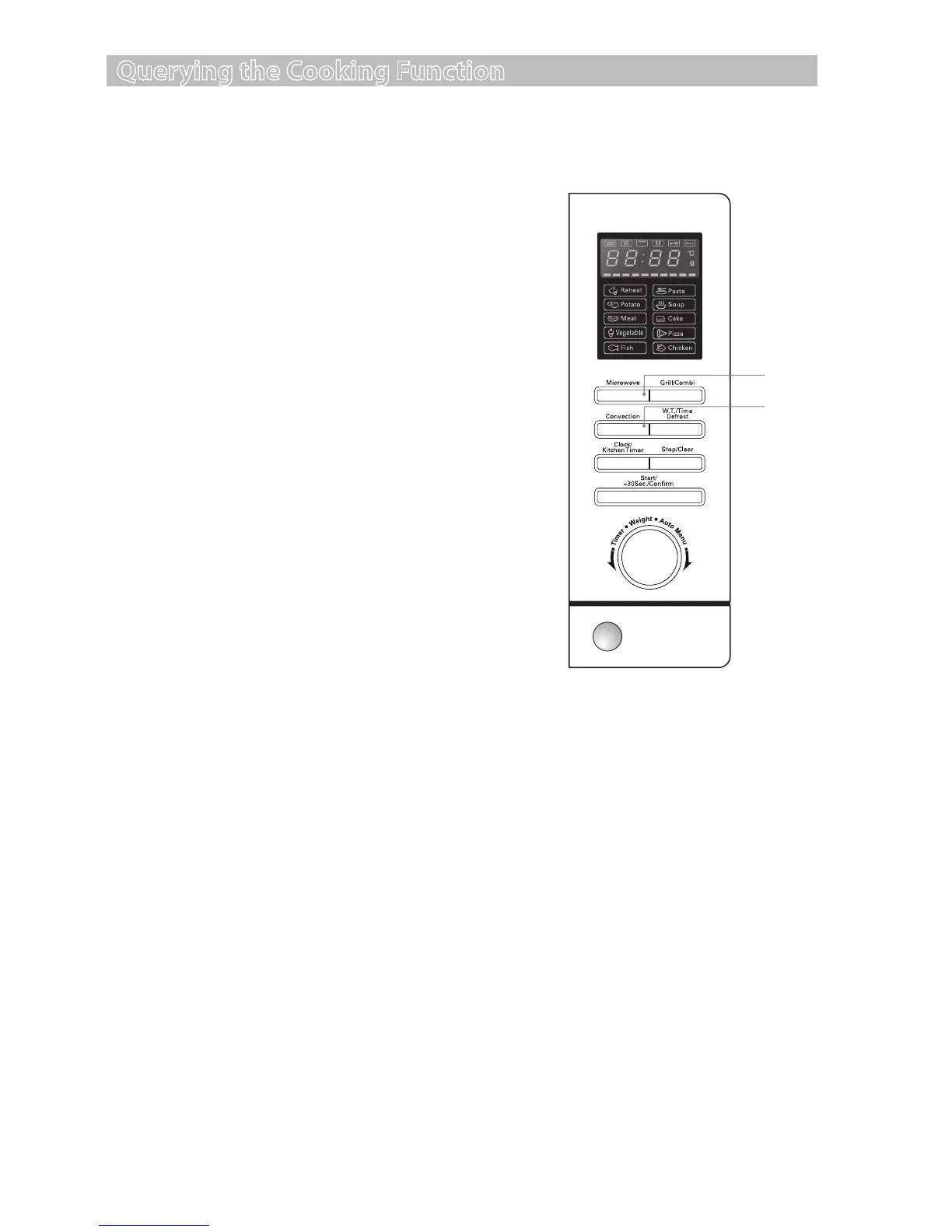
This feature allows you to check and view the current cooking settings.
To Find Out the Current Cooking Setting
1. Press the Microwave, Grill/Combi, or
Convection button once and the LED display
will show the current cooking setting while
the microwave is either microwave, grill,
combination, or convection cooking. It will
last for 2 - 3 seconds and the microwave will
then return to its original display.
1
1
S25CSS11_IB_final111018.indd 25 18/10/2011 12:35 PM


 To Next Page