FM Display Modes
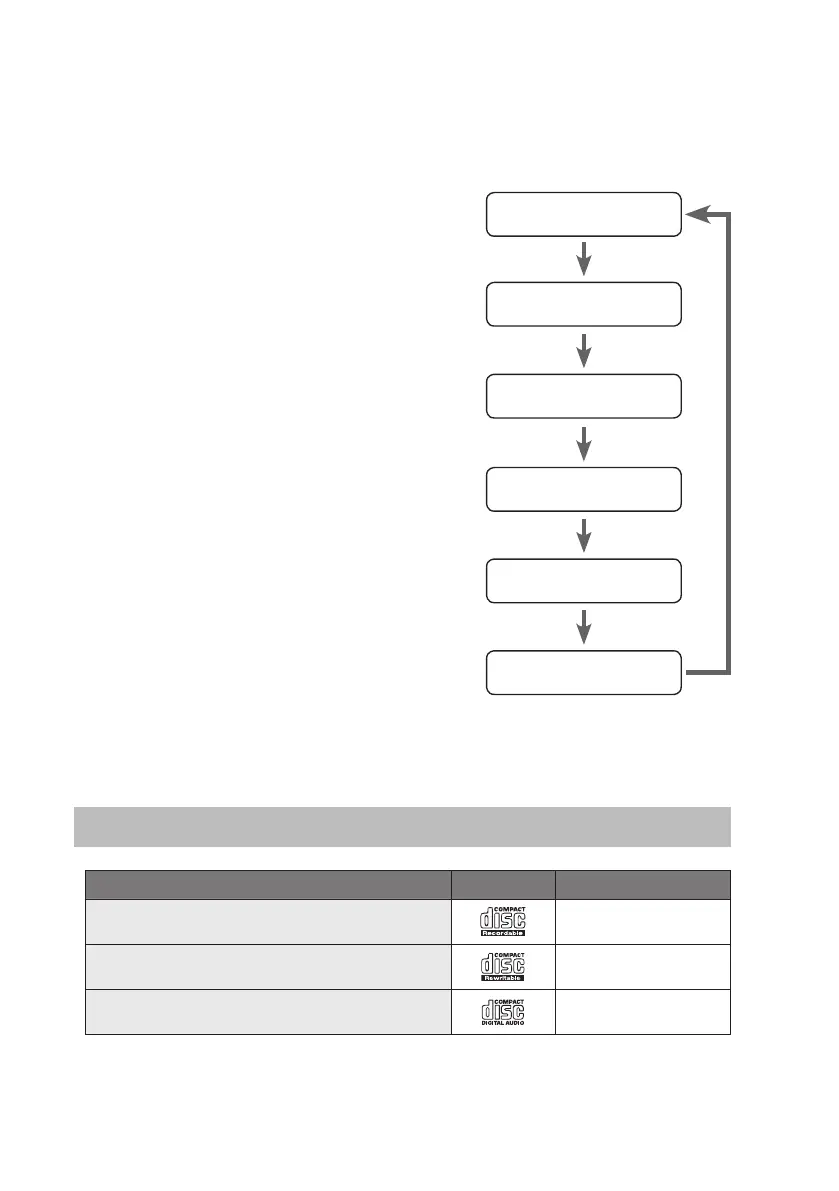
Every time you press the RDS button, the display will cycle through the following display
modes: the Station Name, PTY, Frequency, RDS CLOCK or TEXT.
The information is displayed on the lower segment of the display.
Station Name
When an RDS station is received, the name of that
station will be displayed.
Radio Text
This displays a station description.
PTY (Programme Type)
Programme type identication signal. (Example: News,
Rock, Classical music.)
Audio Mode
When in FM mode, the display will show if the station
being received is in mono or stereo.
Time and Date
The RDS CLOCK system may not properly operate in
areas where RDS CLOCK service is not available. Once
RDS CLOCK service is available, the RDS CLOCK system
will commence operation.
Station Name
Radio Text
Programme Type
Audio mode
Time
Date
Compatible Disc Types
Disc Types Disc Logo Recorded Content
CD-R (CD Recordable)
AUDIO
CD-RW (CD-Rewritable)
AUDIO
AUDIO-CD (Compact Disc Digital Audio)
AUDIO
23
SDABTIP12_IB_130624_candice.indd 23 24/06/2013 2:43 PM



 To Next Page