22
The information is displayed on the lower
segment of the display.
Station Name
The name of the station will be displayed when
an RDS station is received.
Frequency
This shows the frequency of the current station
e.g. 89.80MHz.
PTY (Programme Type)
This describes the “Style” or “genre” of music that
is being broadcast e.g. “Rock” or “Classical”.
Radio Text
The broadcaster can include a scrolling text that
displays information about the current program.
Date/Clock
The broadcaster (Radio station) provides clock
and date information automatically so there’s no
need to manually set this information.
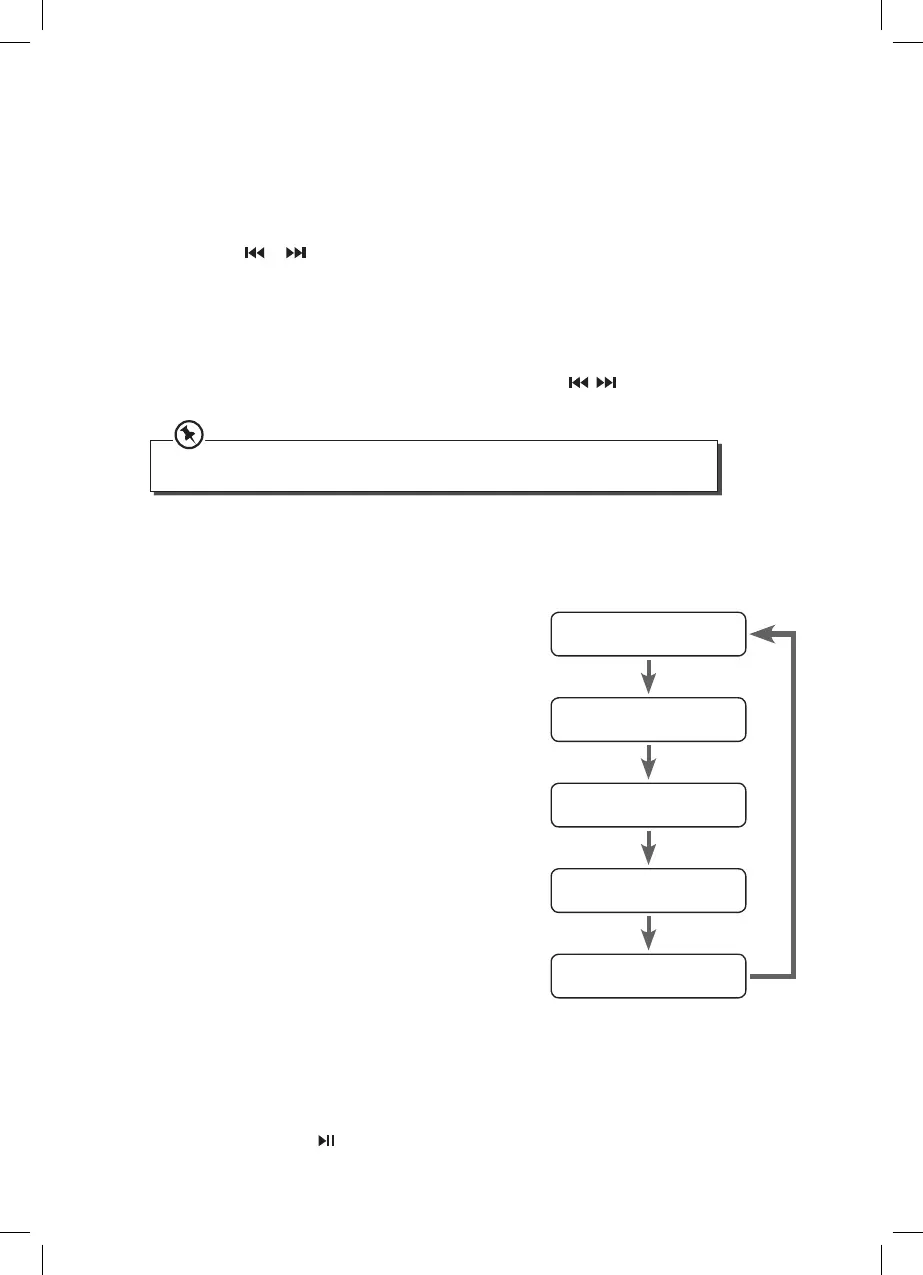
FM Display Modes
Repeatedly pressing the DISPLAY button will cycle through the following display modes:
the Station Name, PTY, Time, Text, Frequency.
Station Name
Frequency
Programme Type
Radio Text
Date/Clock
Presetting Radio Stations
Your unit can store up to 20 FM radio stations in its memory. If the unit is disconnected from
the mains supply the preset stations will not be lost.
1. Tune into a desired radio station as shown above.
2. Press the PROG button. The programme number will ash in the display.
3. Press the or buttons to select the programme position number (1-20).
4. Press the PROG button to store the station.
5. Repeat steps 1 - 4 above to store more radio stations.
Recalling a Preset Station
Once you have saved a station, you can recall it by pressing / or the 0-10+ buttons
to select your desired preset number.
The stored stations will be saved into the memory and power o will not erase it. Storing a
new station in a preset location will erase the previously stored station in that location.
System Reset
If you need to reset your HiFi, in FM or DAB mode press and hold DISPLAY, ‘SYS RESET’ will
be displayed then press . Your HiFi will now reset itself, all preset radio stations will be
lost.
SDBXHFB13_IB Sandstrøm.indd 22 15/05/2013 13:26



 To Next Page