26
Setting the Alarm (Daily Timer)
You will not be able to set an alarm in ECO-POWER mode.
1. In standby mode press and hold the TIMER button on the remote control. The words
‘TIMER SET’ will scroll across the display.
2. Press the VOL + / - button to select USB, DAB or FM mode, then press
the TIMER button.
• If you select DAB or FM RADIO mode make sure you have selected the radio station
you want to be woken up to rst.
• If you have selected USB mode make sure you have a USB device inserted into the USB
port, if you forget to insert a USB device, the radio will switch on instead.
3. The hours will ash in the display, press the VOL + / - buttons to select the hour you
would like the alarm to switch on. Then press TIMER.
4. The minutes will ash in the display, press the VOL + / - button to select the minute you
would like the alarm to switch on. Then press TIMER.
5. The volume level will ash in the display, press the VOL + / - button to select the
volume that you would like the alarm to switch on at. The volume will gradually
increase the level you set when it switches on. Then press TIMER.
The alarm is now set and the symbol will be displayed. The alarm will sound daily.
Switching the Alarm Function O/On
In standby mode press the TIMER button. The symbol will disappear from the display.
Press the TIMER button again to re-activate the alarm.
Setting the Sleep Timer
Use the sleep timer to turn the system o after a certain number of minutes in play mode.
By setting the sleep timer, you can fall asleep to music and know that your system will turn
o by itself rather than play all night.
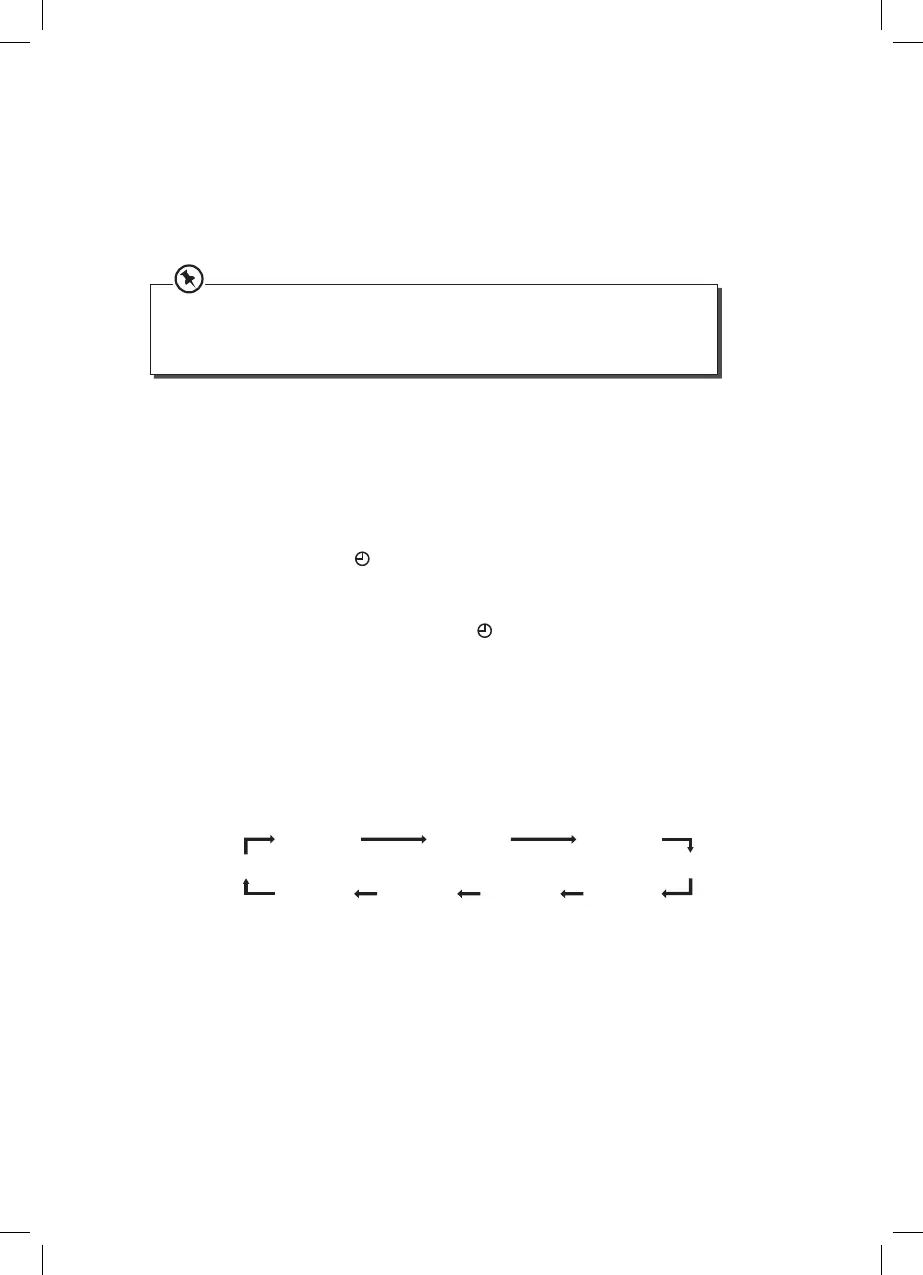
1. To set the sleep timer press the SLEEP button on the remote control repeatedly to
select a timer setting. The number of minutes shown will display in this sequence:
SLEEP OFF SLEEP 120
SLEEP 30
SLEEP 15
SLEEP 45
SLEEP 105
SLEEP 90
SLEEP 60 SLEEP 75
2. The system is now set to turn o after the number of minutes you have set. The display
will show “SLEEP #”, e.g. “SLEEP 15” means the unit will switch itself o after 15 minutes,
“SLEEP 30” means the unit will switch itself o after 30 minutes, and so on.
3. Press the SLEEP button to show the time remaining till the unit switches o.
4. To cancel the sleep timer press the SLEEP button repeatedly until “SLEEP OFF” shows
on the display.
SDBXHFB13_IB Sandstrøm.indd 26 15/05/2013 13:26



 To Next Page