35
Selecting the audio language
When two or more audio languages are included in a digital signal,
you can select one of the audio language.
1
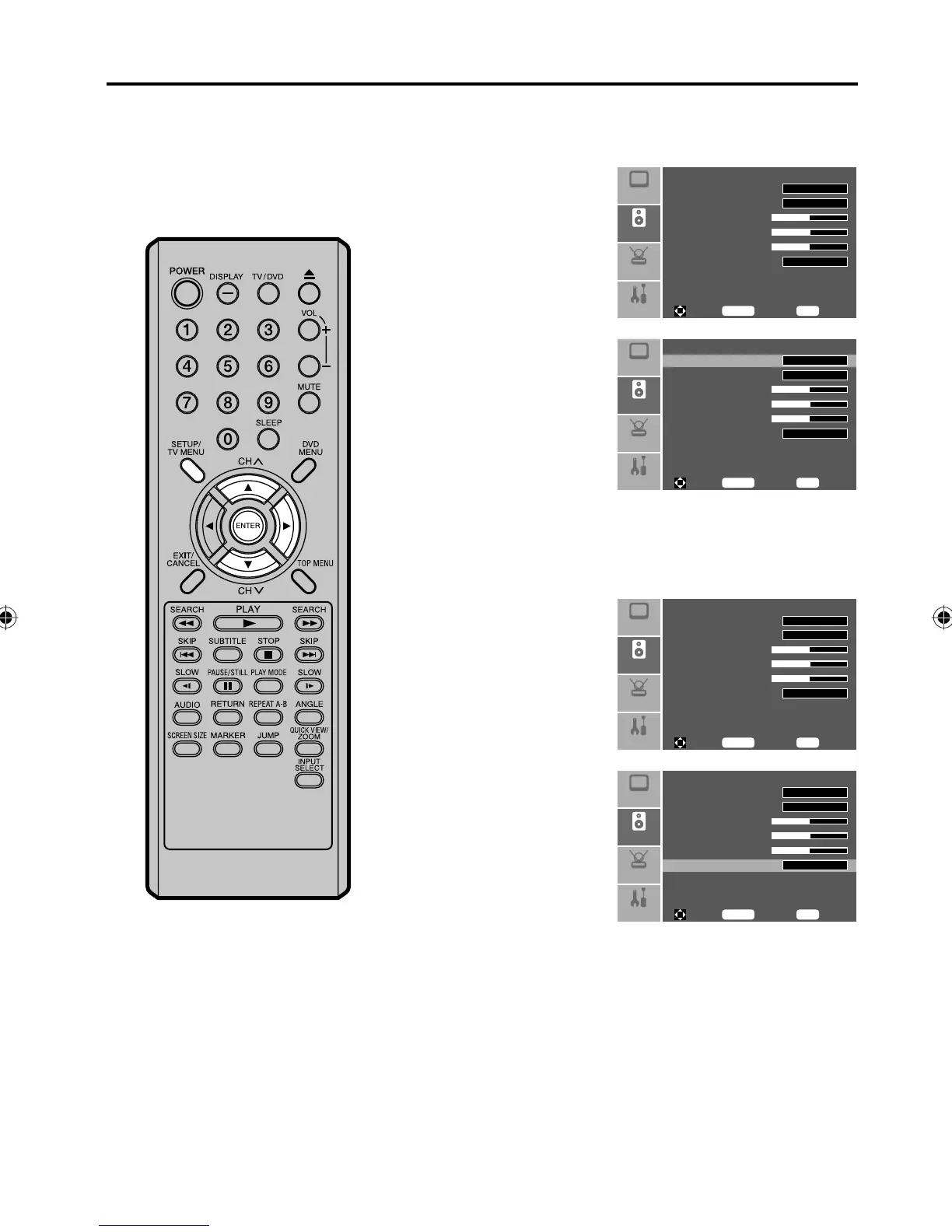
Press SETUP/TV MENU
in the TV mode. Then
press ▲ or ▼ to select
“Audio” menu, then press
▶.
Audio Language
MTS
Bass 31
Tre bl e 3 1
Balance 31
Digital Audio Output
Setup
Audio
Feature
English
Stereo
PCM
Picture
To M ove
To S el ec t
To E xi t
Enter
Menu
2
Press ▲ or ▼ to select
“Audio Language”. Then
press ▶ or ENTER to
select your desired
language.
Audio Language
MTS
Bass 31
Tre bl e 3 1
Balance 31
Digital Audio Output
Setup
Audio
Feature
Picture
To M ove
To S el ec t
To E xi t
Enter
Menu
English
Stereo
PCM
3
Press SETUP/TV MENU to return to the normal screen.
Selecting the digital output
You can choose the format of the digital audio output signal.
1
Press SETUP/TV MENU
in the TV mode. Then
press ▲ or ▼ to select
“Audio” menu, then press
▶.
Audio Language
MTS
Bass 31
Tre bl e 3 1
Balance 31
Digital Audio Output
Setup
Audio
Feature
English
Stereo
PCM
Picture
To M ove
To S el ec t
To E xi t
Enter
Menu
2
Press ▲ or ▼ to select
“Digital Audio Output”,
then press ▶ or ENTER
to select “PCM” or
“RAW”.
Audio Language
MTS
Bass 31
Tre bl e 3 1
Balance 31
Digital Audio Output
Setup
Audio
Feature
Picture
To M ove
To S el ec t
To E xi t
Enter
Menu
English
Stereo
PCM
3
Press SETUP/TV MENU to return to the normal screen.
Selecting the audio language/
Selecting the digital output
5Z90101A.indd 355Z90101A.indd 35 07.9.3 3:48:49 PM07.9.3 3:48:49 PM



 To Next Page