56
1
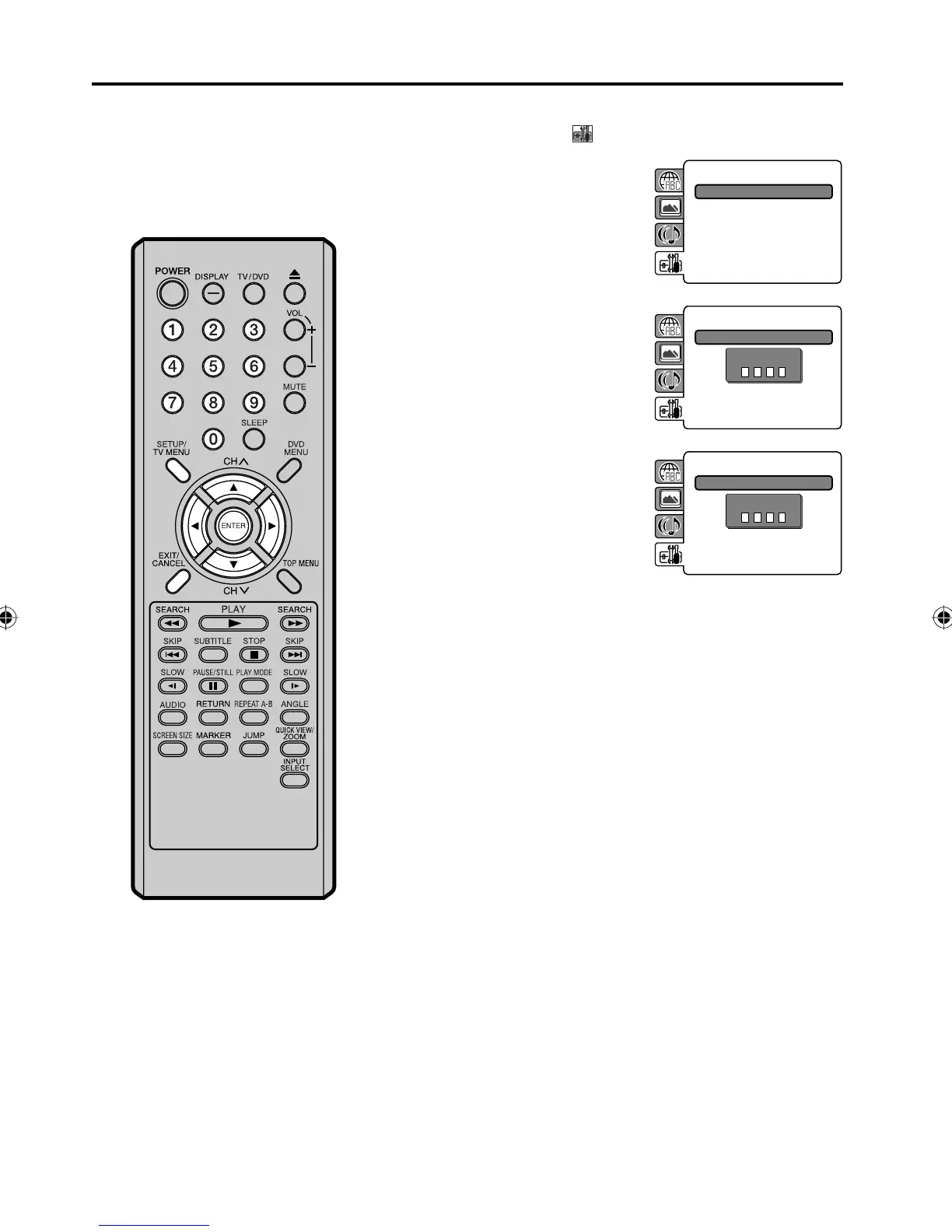
Press SETUP/TV MENU in the stop mode or No Disc.
Press ▲ or ▼ to select
option, then press ◀/▶ or ENTER.
2
Press ▲ or ▼ to select
“Password”, then press ▶ or
ENTER.
“Enter Current Password” screen
will appear.
Parental : Off
Password : Change
3
Press Number buttons (0-9)
to enter the password you have
stored.
If you input a wrong number,
press CANCEL.
•
Parental : Off
Password : Change
Enter Current Password
4
Then press ENTER. “Enter New
Password” screen will appear.
Press Number buttons (0–9) to
input the new password.
Parental : Off
Password : Change
Enter New Password
5
Press ENTER.
Now your new password has been set.
Be sure to remember this number!
Setting the new password
NOTE:
Do not forget the password. If
you forget the password, contact
Customer Service at 1-800-289-0980.
The original remote control will be
required.
•
5Z90101A.indd 565Z90101A.indd 56 07.9.3 3:49:07 PM07.9.3 3:49:07 PM



 To Next Page