57
Temporary disabling of rating level by DVD disc
NOTE:
This temporary cancellation of the
rating level will be kept until the disc is
ejected.
When the disc is ejected, the
original rating level will be set again
automatically.
•
Some pre-recorded DVD discs may
attempt to temporarily cancel the
rating level that you have set. You
will be given the option to allow or
not allow the override.
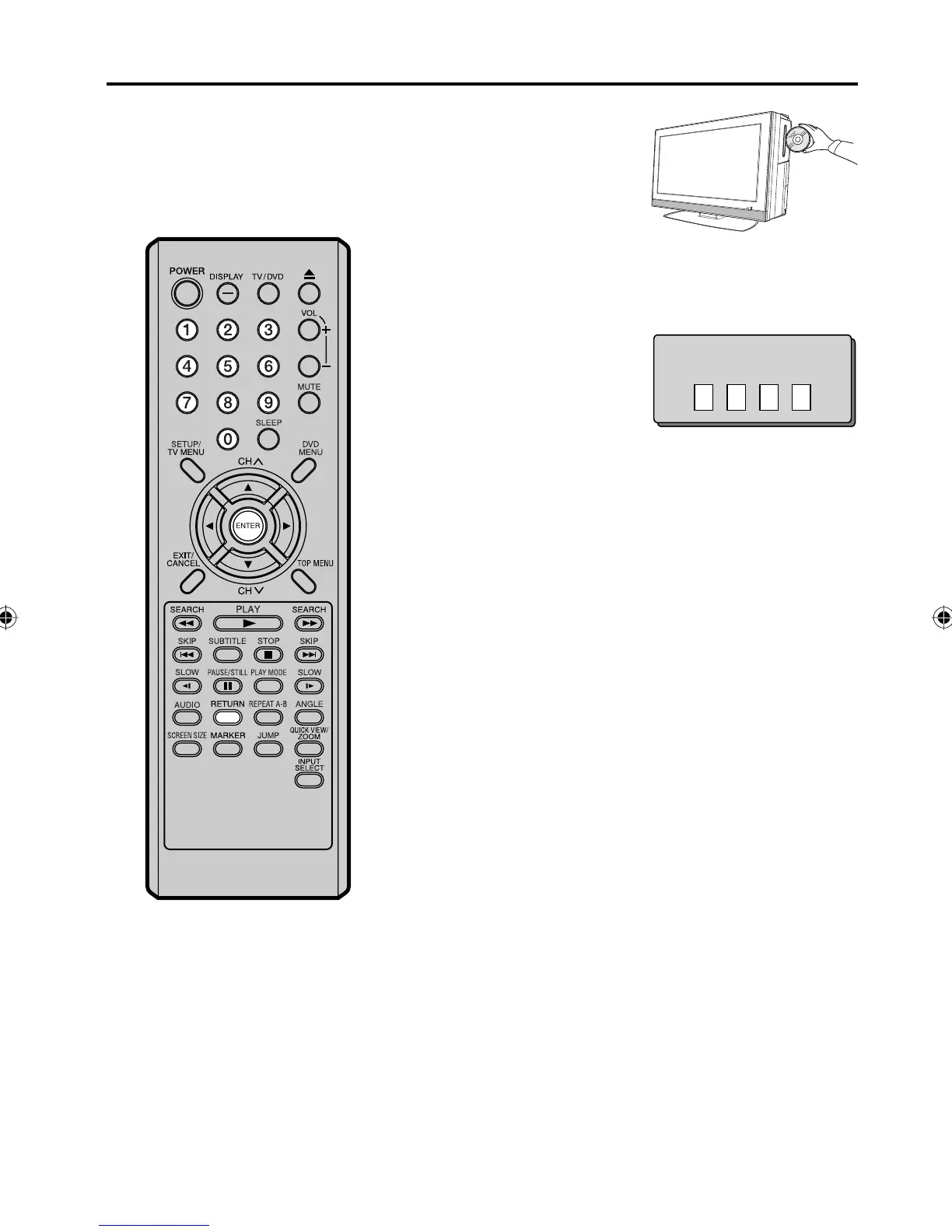
1
Load a DVD disc (see page
39).
2
If the DVD disc has been designed to temporarily cancel the
Rating level, the screen which follows the “Reading” screen will
change, depending on which disc is played. If you select “YES”
with ENTER key, password input screen will then appear.
3
Enter the password with
Number buttons (0-9).
Then press ENTER.
If you interrupt the entering,
press RETURN.
•
Enter Password
4
Playback will commence if the entered password was correct.
5Z90101A.indd 575Z90101A.indd 57 07.9.3 3:49:08 PM07.9.3 3:49:08 PM



 To Next Page