30
Adjusting the picture preference/Picture control adjustment
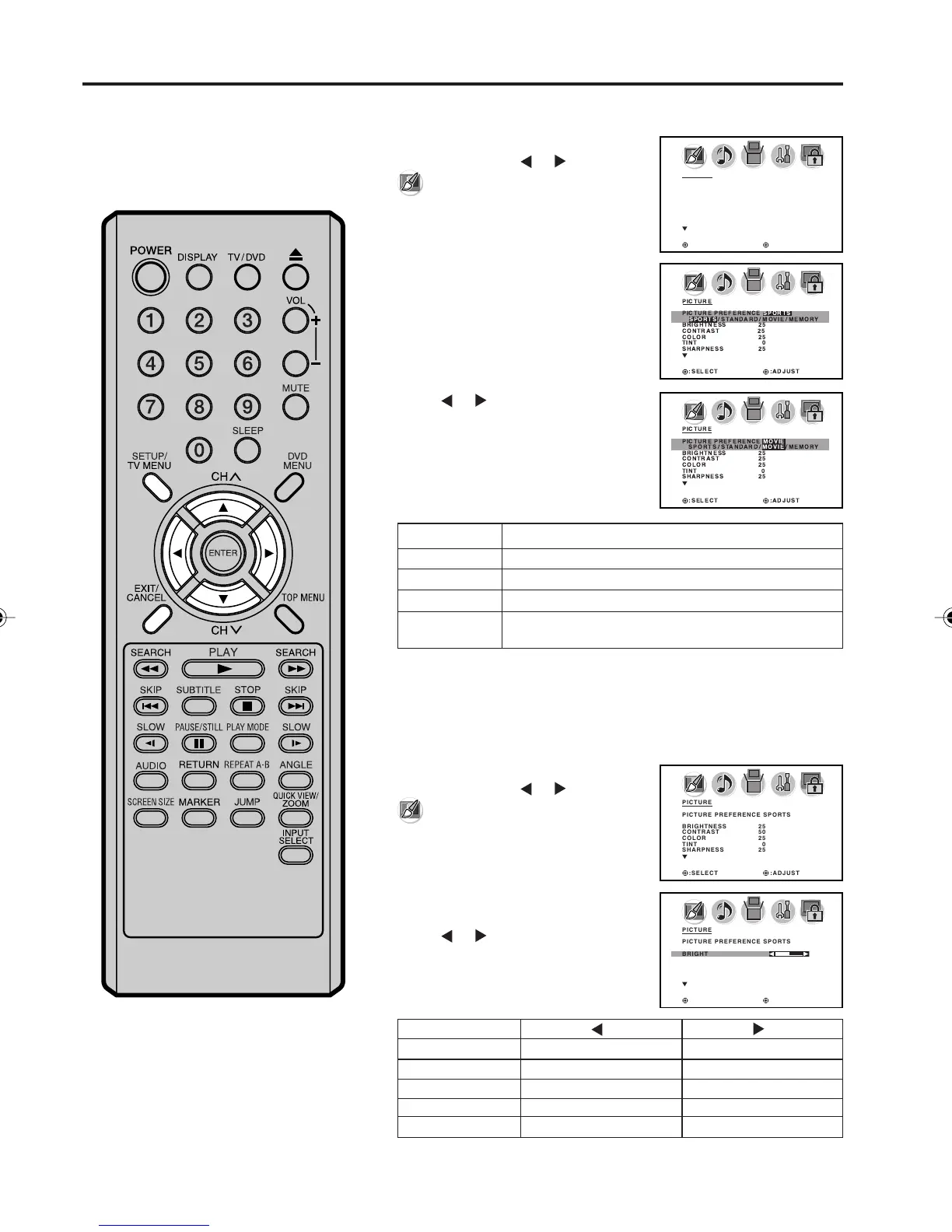
You can select four picture
modes—SPORTS, STANDARD,
MOVIE, and MEMORY—as de-
scribed in the following table:
Press SETUP/TV MENU in the TV
mode, then press
or to select
(PICTURE) menu.
Press ▲ or ▼ to select
“PICTURE PREFERENCE”.
1
2
3
Press or to select the item you
want to adjust.
4
After your desired setting, press EXIT to return to the normal
screen.
NOTE:
The CONTRAST default setting is
set to maximum at the factory.
Press SETUP/TV MENU in the TV
mode, then press
or to select
(PICTURE) menu.
Press ▲ or ▼ to select the item you
want to adjust.
Press
or to adjust the setting.
1
2
3
Picture control adjustment
Adjusting the picture preference
After your desired setting, press EXIT to return to the normal
screen.
PICTURE
PICTURE PREFERENCE SPORTS
BRIGHTNESS 25
CONTRAST 50
COLOR 25
TINT 0
SHARPNESS 25
:SELECT :ADJUST
PICTURE
PICTURE PREFERENCE SPORTS
SPORTS / STANDARD / MOVIE / MEMORY
BRIGHTNESS 25
CONTRAST 25
COLOR 25
TINT 0
SHARPNESS 25
:SELECT :ADJUST
PICTURE
PICTURE PREFERENCE MOVIE
SPORTS / STANDARD / MOVIE / MEMORY
BRIGHTNESS 25
CONTRAST 25
COLOR 25
TINT 0
SHARPNESS 25
:SELECT :ADJUST
PICTURE
PICTURE PREFERENCE SPORTS
BRIGHTNESS 25
CONTRAST 50
COLOR 25
TINT 0
SHARPNESS 25
:SELECT :ADJUST
PICTURE
PICTURE PREFERENCE SPORTS
BRIGHTNESS 25
CONTRAST 50
COLOR 25
TINT 0
SHARPNESS 25
:SELECT :ADJUST
Mode Picture Quality
SPORTS Bright and dynamic picture (factory-set)
STANDARD Standard picture quality (factory-set)
MOVIE Movie-like picture setting (factory-set)
MEMORY Your personal preferences (set by you; see “Picture
control adjustment” below).
SHARPNESS
BRIGHTNESS
CONTRAST
COLOR
TINT
decrease brightness
decrease contrast
be pale color
be reddish color
makes picture softer
increase brightness
increase contrast
be brilliant color
be greenish color
makes picture clearer
5X10101A[EN] P30-38 3/2/06, 4:03 PM30



 To Next Page