36
AUDIO
MTS STEREO
BASS 25
TREBLE 25
BALANCE 0
SPEAKERS ON
:SELECT :ADJUST
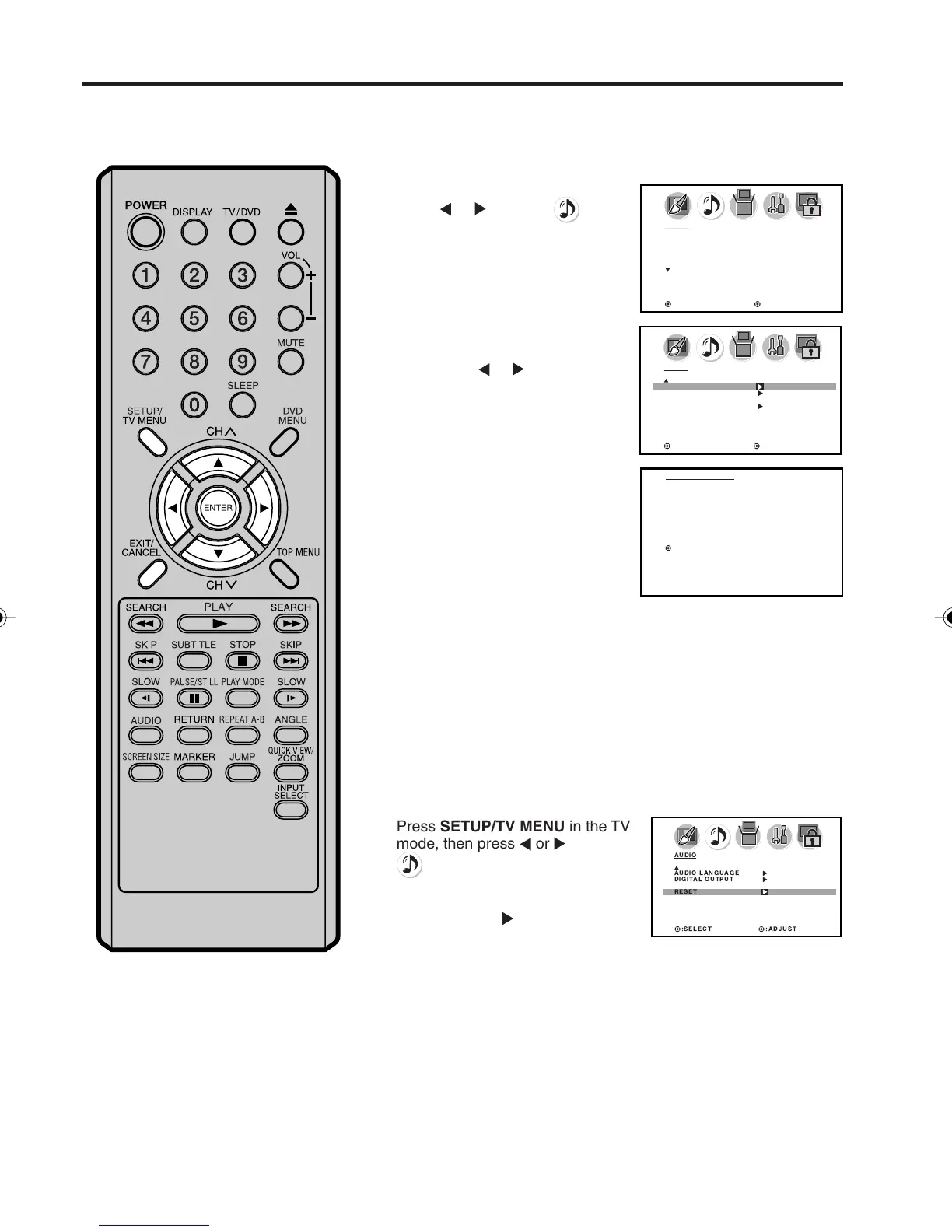
Selecting the audio language/
Resetting your audio adjustments
Selecting the audio language
When two or more audio languages are included in a digital signal,
you can select one of the audio language.
1
2
3
Press TV SETUP/MENU, then
press
or to select
(AUDIO) menu.
Press ▲ or ▼ to select “AUDIO
LANGUAGE”.
Then press
or to display the
AUDIO LANGUAGE menu.
4
Press EXIT to return to the normal screen.
Press ▲ or ▼ to select your
desired language, then press
ENTER.
:SELECT :ADJUST
AUDIO
AUDIO LANGUAGE
DIGITAL OUTPUT
RESET
AUDIO LANGUAGE
0. ENGLISH 1
1. ENGLISH 2
2. FRENCH
3. SPANISH
4. NO INFO
5. NO INFO
6. NO INFO
7. NO INFO
/ 0-7 : SELECT
The RESET function returns the audio adjustments to the following
factory settings:
BASS................. center (25)
TREBLE .............. enter (25)
BALANCE ........... center (0)
Resetting your audio adjustments
AUDIO
AUDIO LANGUAGE
DIGITAL OUTPUT
RESET
:SELECT :ADJUST
Press SETUP/TV MENU in the TV
mode, then press
or to select
(AUDIO) menu.
1
Press ▲ or ▼ to select “RESET”,
and then press
.
2
5X10101A[EN] P30-38 3/2/06, 4:04 PM36



 To Next Page