37
NOTES:
• Signal meter feature is not
available for analog channels.
• After 240 seconds, SIGNAL
METER screen will return to
normal TV-operation automatically.
SETUP
LANGUAGE ENGLISH
CLOCK SET
TV/CABLE CABLE
AUTO CH MEMORY
ADD/DELETE
:SELECT :ADJUST
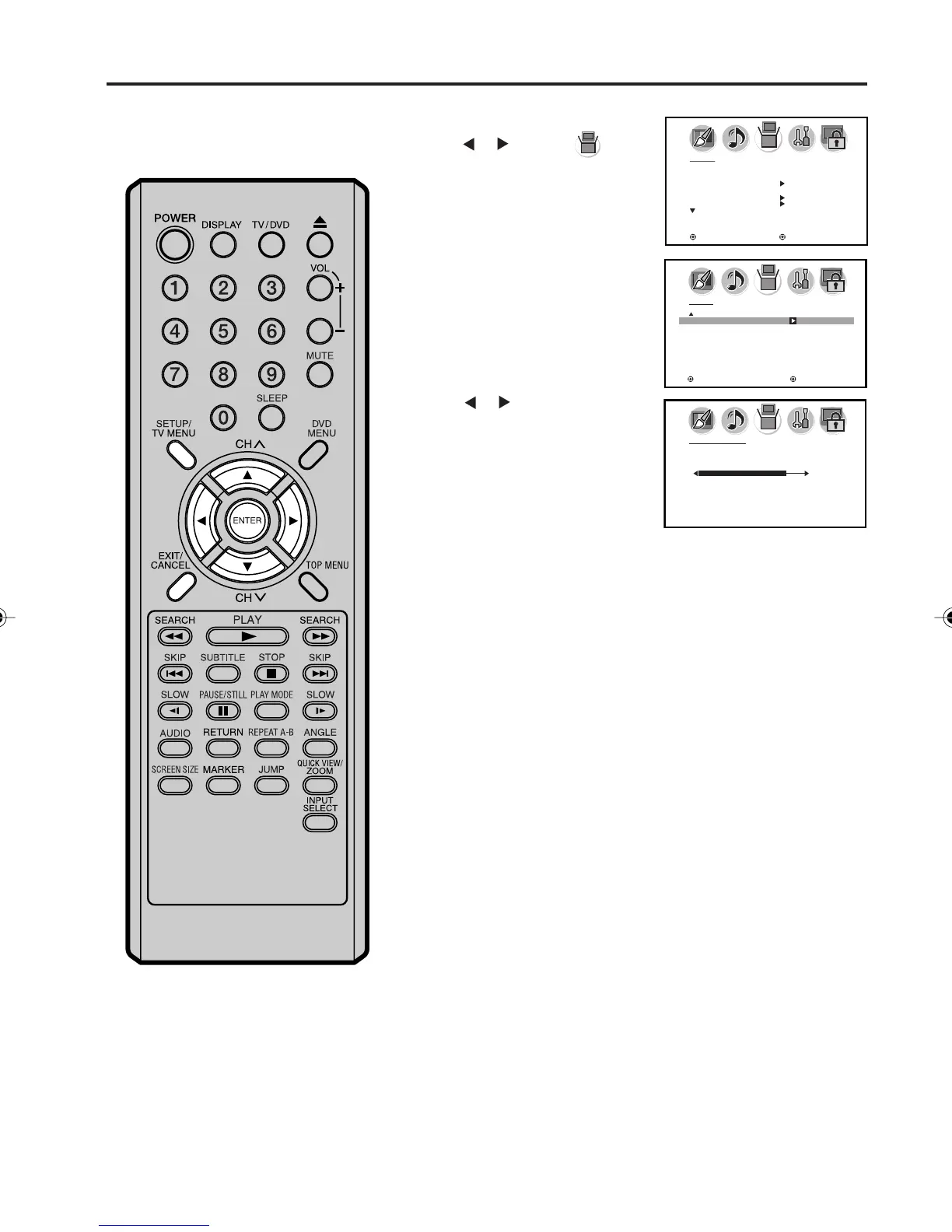
This unit will allow you to view the
digital signal meter for digital
channels.
1
2
3
Press TV SETUP/MENU, then
press
or to select
(SETUP) menu.
Press ▲ or ▼ to select “SIGNAL
METER”.
SETUP
SIGNAL METER
: SELECT : ADJUST
Press or to check the
Digital-signal strength.
4
Press EXIT to return to the normal screen.
SIGNAL METER
CHANNEL (DIGITAL) 123-045
80
Checking the Digital-signal strength
5X10101A[EN] P30-38 3/2/06, 4:04 PM37



 To Next Page