Before Use
1
§
§
1
1
.
.
B
B
e
e
f
f
o
o
r
r
e
e
U
U
s
s
e
e
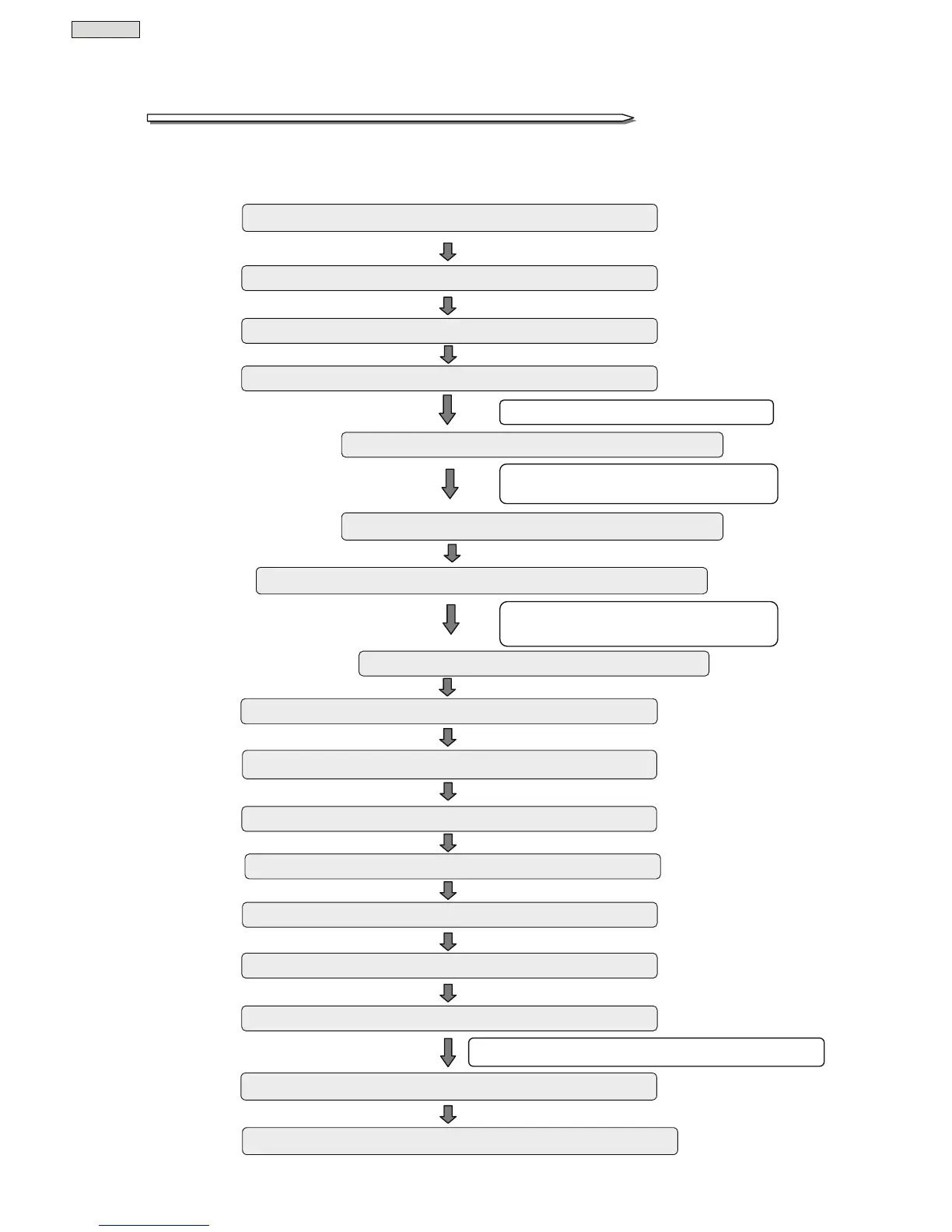
The procedures to use the UPS are shown in the following. Be sure to proceed as follows to use the UPS safely
and properly.
Check the safety and usage precautions ⇒ pages 2 to 7
Check the contents of the package ⇒ page 8
Install the UPS ⇒ pages 26 to 28
Wire the UPS ⇒ pages 15 to 19
Check the default value of the user setting. ⇒ pages 21 and 33 to 35
When the default settings do not match with
your environment or requirements
Change the user setting ⇒
User settings Guide
Perform the power outage simulation test ⇒ pages 23 to 24
Connect the load devices ⇒ page 25
Start up the UPS ⇒ page 29
Turn the load device power on ⇒ page 30
Charge the UPS ⇒ page 22
Check the UPS daily by user ⇒ page 37
UPS is malfunctioning, battery needs to be replaced, etc.
Contact your supplier for maintenance ⇒ page 36
Maintenance by technically qualified personnel. ⇒ pages 40 to 41
Connecting Optional Equipment ⇒ pages 50 to 62
When using the power management software
to manage UPS power supply
Using the Power Management Software ⇒ pages 45 to 46
If you are not using the power
management software, proceed to
the next item.
When using Optional Equipment
If you are not using optional
equipment, proceed to the next item.
If you do not need to change the user
settings, proceed to the next item.
Check the installation and working space ⇒ page 6



 To Next Page