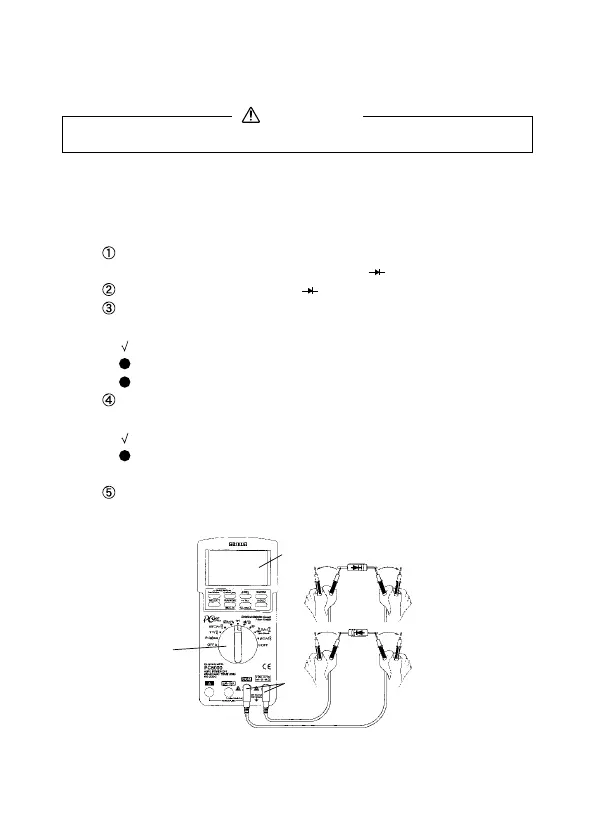
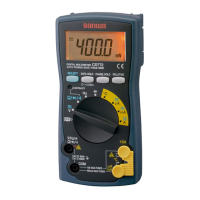
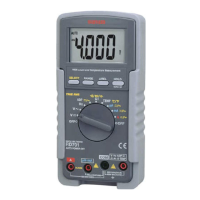
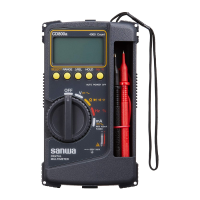
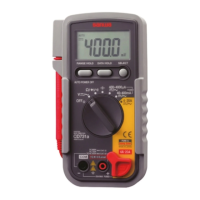
5-5-1 Testing Diode
1) Application
The quality of diodes is tested.
2) How to use
Connect the plug of black test lead to COM measuring input
terminal and plug of red test lead to measuring terminal.
Set the function switch at ' '.
Apply the black test pins to the cathode of the diode and the
red test pin to the anode.
Check reading for judgment of good or defective.
A zero reading indicates a shorted diode (defective).
An OL indicates an open diode (defective).
Apply the red test pins to the cathode of the diode and the
black test pin to the anode
Check reading for judgment of good or defective.
The display shows OL, if diode is good. Any other readings
indicated the diode is resistive or shorted (defective).
After measurement, release the red and black test pins from
the object measured.
Note:
The input terminals release voltage is about <3.5V.
—
19
—
5-5 Testing Diode/ Resistance Measurement and
Checking Continuity / Capacitance Measurement
Never apply voltage to the input terminals.
WARNING
④
⑤⑤
③
①
③・④
②



 To Next Page