6
36
The Sapling Company, Inc.
670 Louis Drive
Warminster, PA 18974
USA
P. (+1) 215.322.6063
F. (+1) 215.322.8498
www.sapling-inc.com
Uniform Stage Installation
7
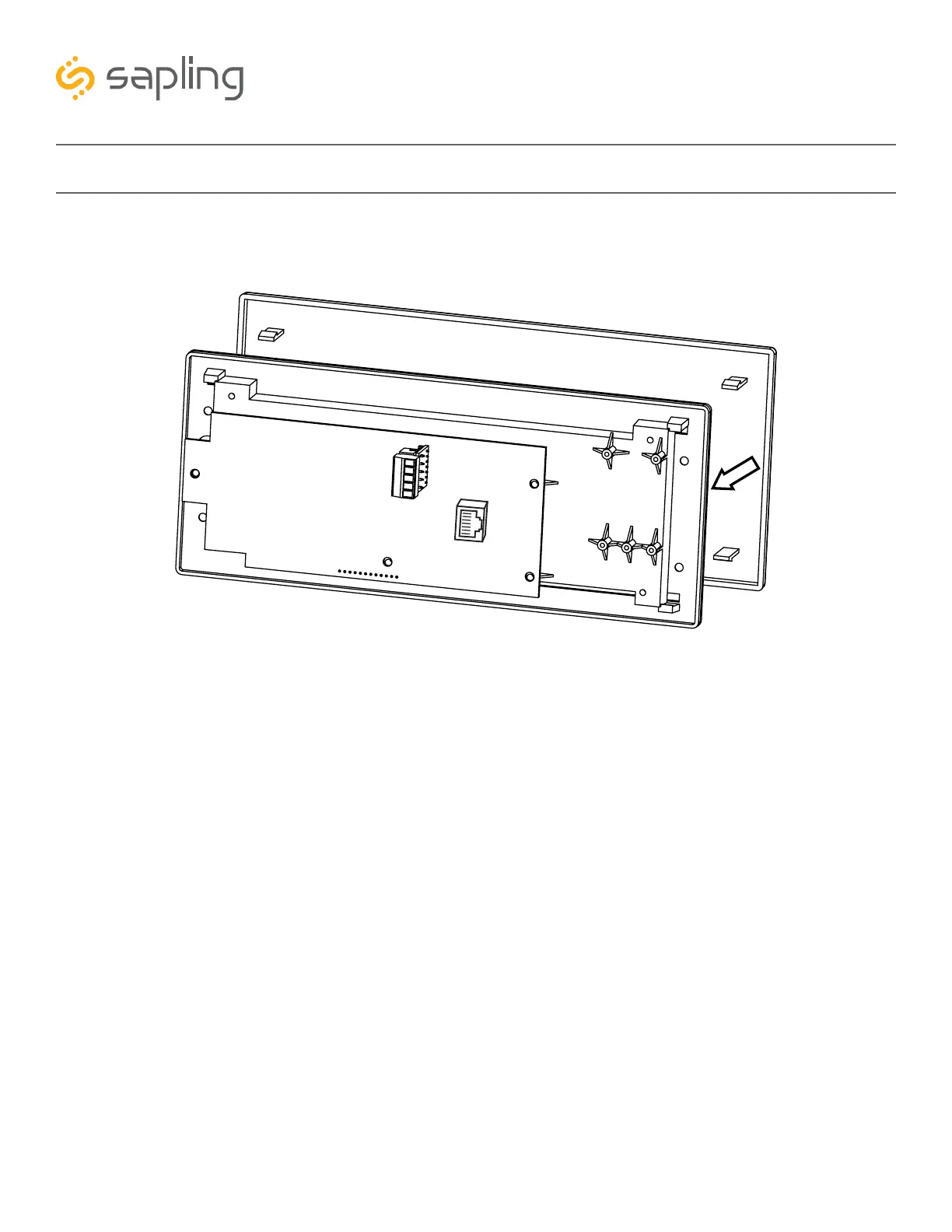
7) Place the filter over the display board by lining up the tabs with the holes. You should hear a snapping
noise as the filter flex tabs latch into place.
8) Once the clock receives power, it will display its software version followed by segments display testing.
Once done, if the clock is receiving time data, it will present the time received. If the clock is not able to
receive time data, its colons will blink and its time will be based of internal real time quartz oscillator.



 To Next Page