9
The Sapling Company, Inc.
670 Louis Drive
Warminster, PA 18974
USA
P. (+1) 215.322.6063
F. (+1) 215.322.8498
www.sapling-inc.com
9
The Sapling Company, Inc.
670 Louis Drive
Warminster, PA 18974
USA
P. (+1) 215.322.6063
F. (+1) 215.322.8498
www.sapling-inc.com
Before Installation - DHCP
The IP-PoE clock can be set to DHCP or Static IP address.
The clock is shipped in DHCP mode as default. This means that once the clock is connected to the network
it is assigned the next available IP address by a DHCP server. It is user changeable, meaning that the
clock can be set with a static IP address and that these settings can be changed in the clock built-in web
interface (as explained in this manual).
If you wish to be able to access the web interface from a computer, Port 80 must be open.
If you wish to access your clock using a known, unchanging Static IP address, see the next page.
If a user wishes to access the web interface while the clock is in DHCP mode, then there are two ways to
find the IP address. The first is to press and hold both buttons on the front of the clock simultaneously, and
release them after two seconds. This will cause the IP address to appear on the clock display. The second
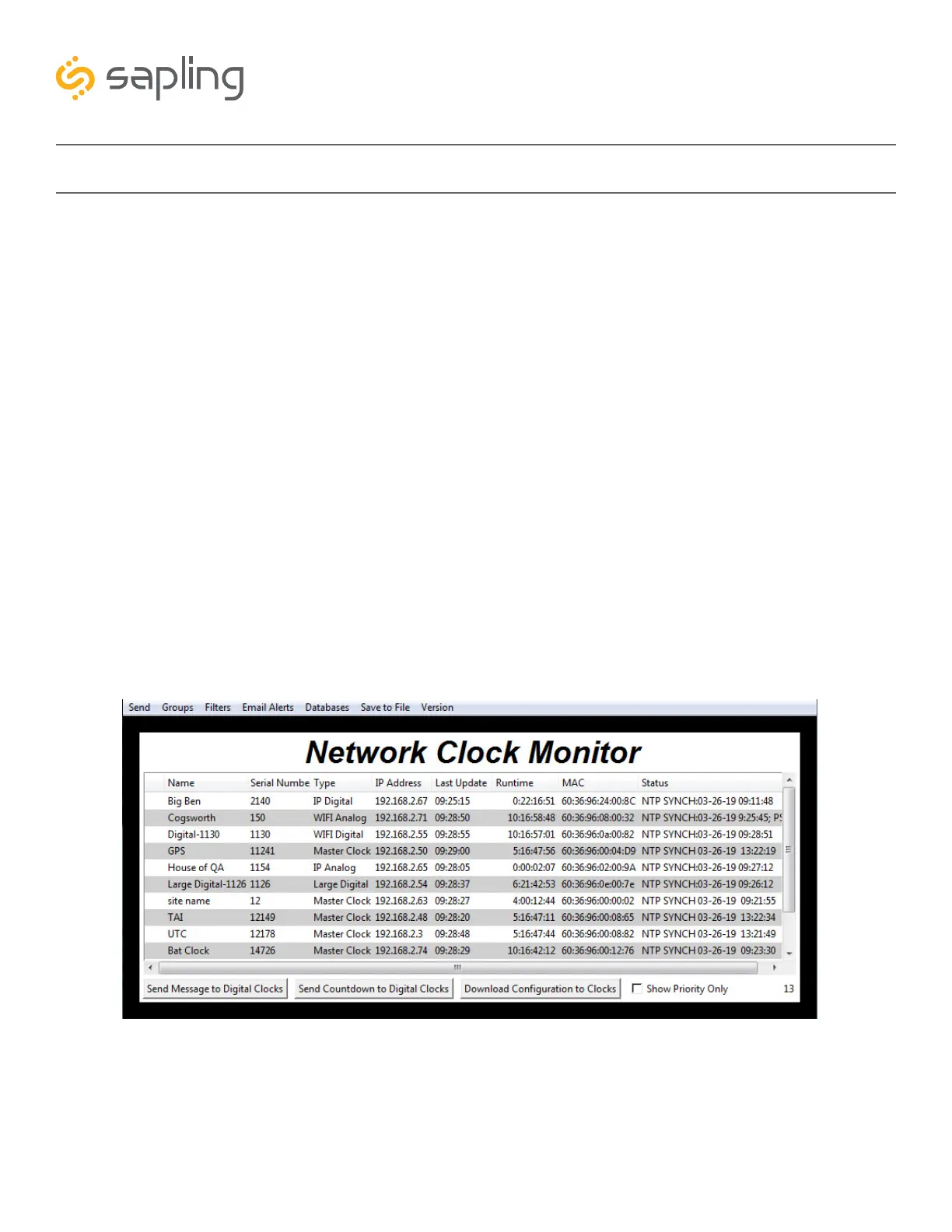
method is to use the Network Monitoring Software and double click on the clock.



 To Next Page