`
16
Quick Start Guide for SurvCE
This section provides a Quick Start guide for operation of the SL800 with SurvCE. The intention
is to instruct the user regards connecting to the SL800 and to establish a Network connection
to provide correction data. For a detailed description of the use of SurvCE please refer to the
Carlson SurvCE User Manual.
Running SurvCE
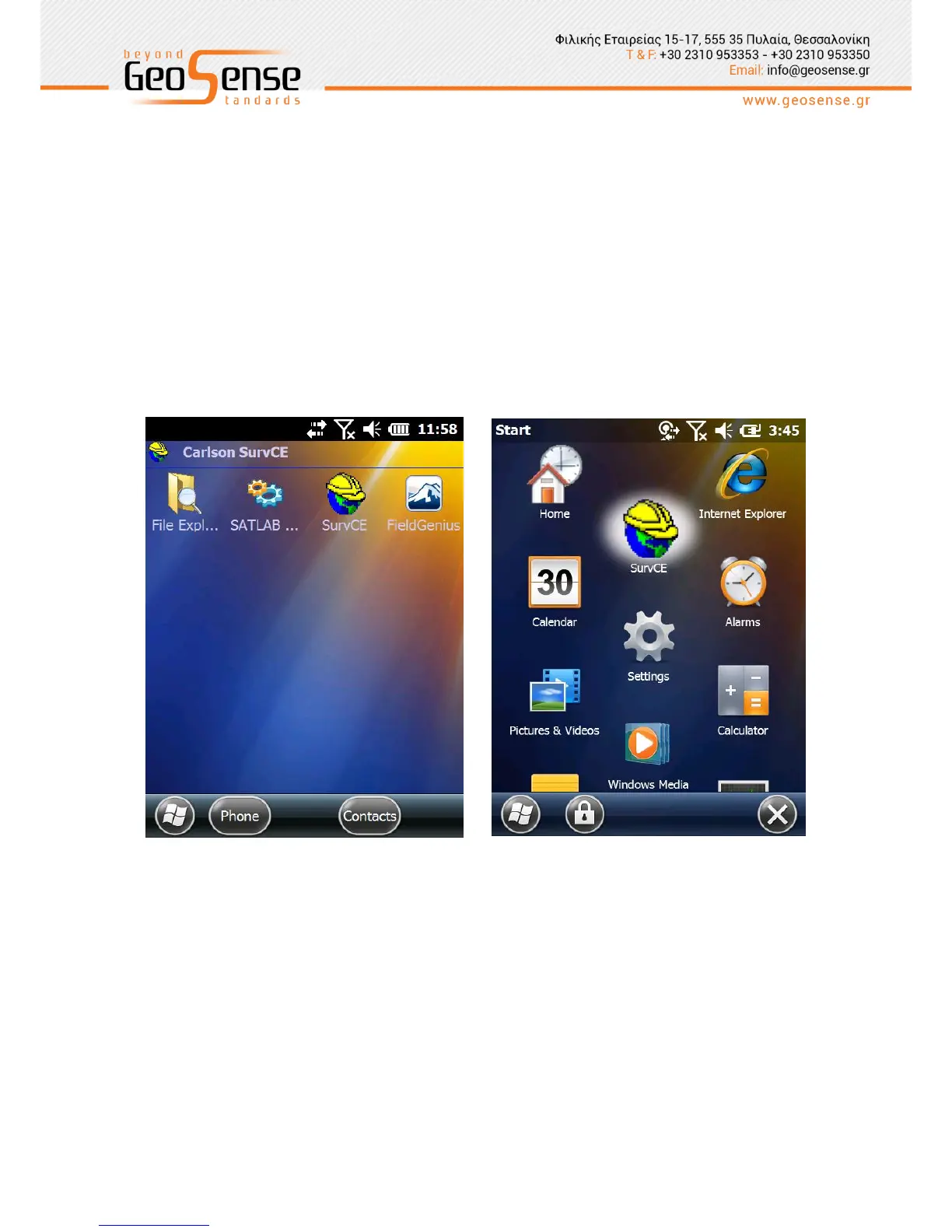
Click on the SurvCE icon to open the program. It can be added to the ‘Today’ screen or the
icon displayed as a menu item. If missing from the front screen on your device the icon will
appear in the Start Screen.
Figure 3-1 SurvCE Icon in Start Menu



 To Next Page