`
19
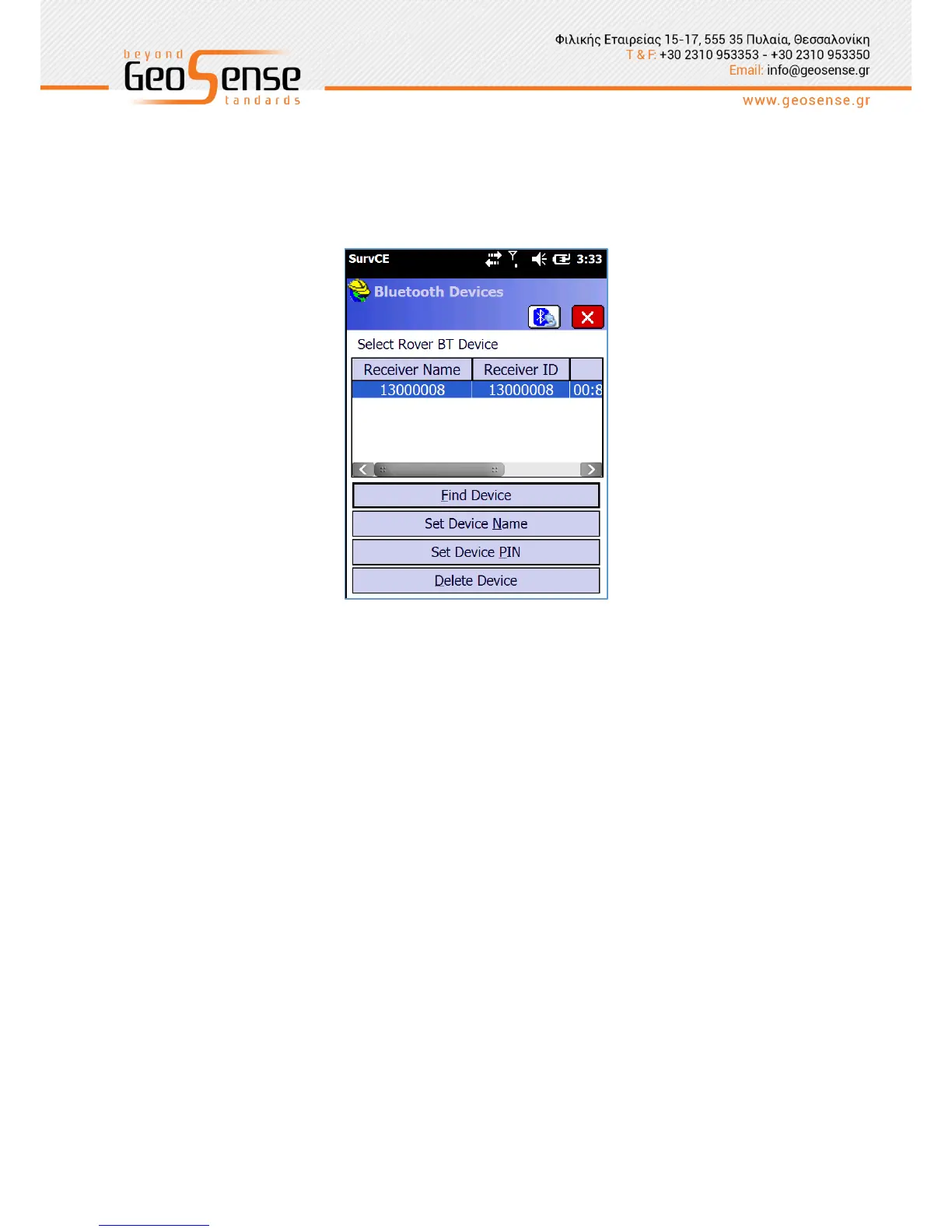
Figure 3-4 Receiver selection tab
Comms tab enables Bluetooth connection to the receiver. Click on ‘Find Device’ then select
the corresponding serial number. Next, select ‘Device PIN’ and type 1234. Click on the
Bluetooth icon to connect to the receiver.
Figure 3-5 Bluetooth connection configuration



 To Next Page