`
22
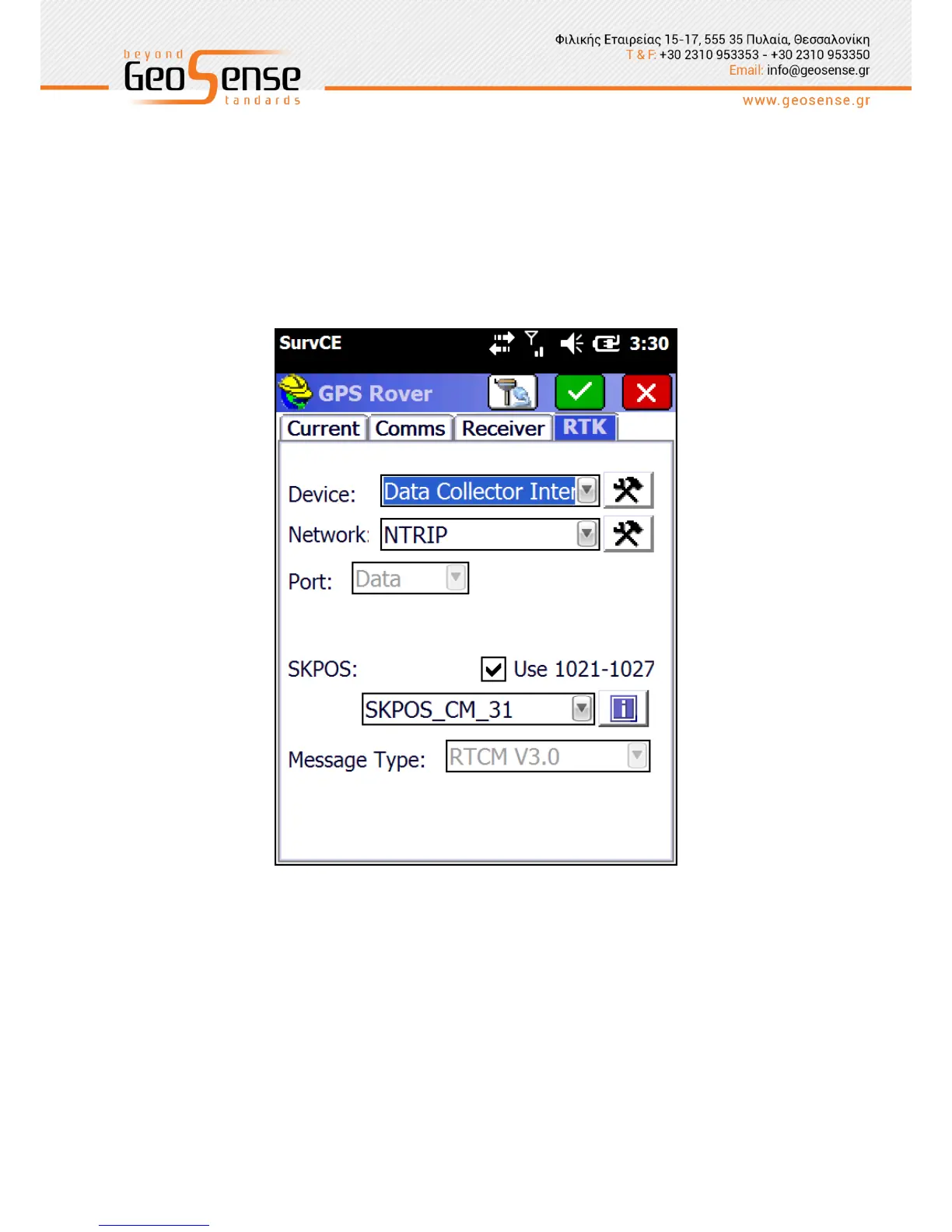
RTK tab enables configuration to connect to a Network to stream correction data. The only
‘Device’ option for the SL800 is ‘Data Collector Internet’ as the data link is provided via the
controller GSM modem or WiFi link.
Network connection options are NTRIP and intRTK. Configuration of the Network login
parameters is performed by clicking on the hammer and spanner icon. Refer to your Network
administrator for login parameters, User names and Passwords.
Figure 3-9 Network setting page



 To Next Page