THE PROFESSIONAL EQUIPMENT------------------|USER’S MANUAL| THE PROFESSIONAL EQUIPMENT------------------|USER’S MANUAL|
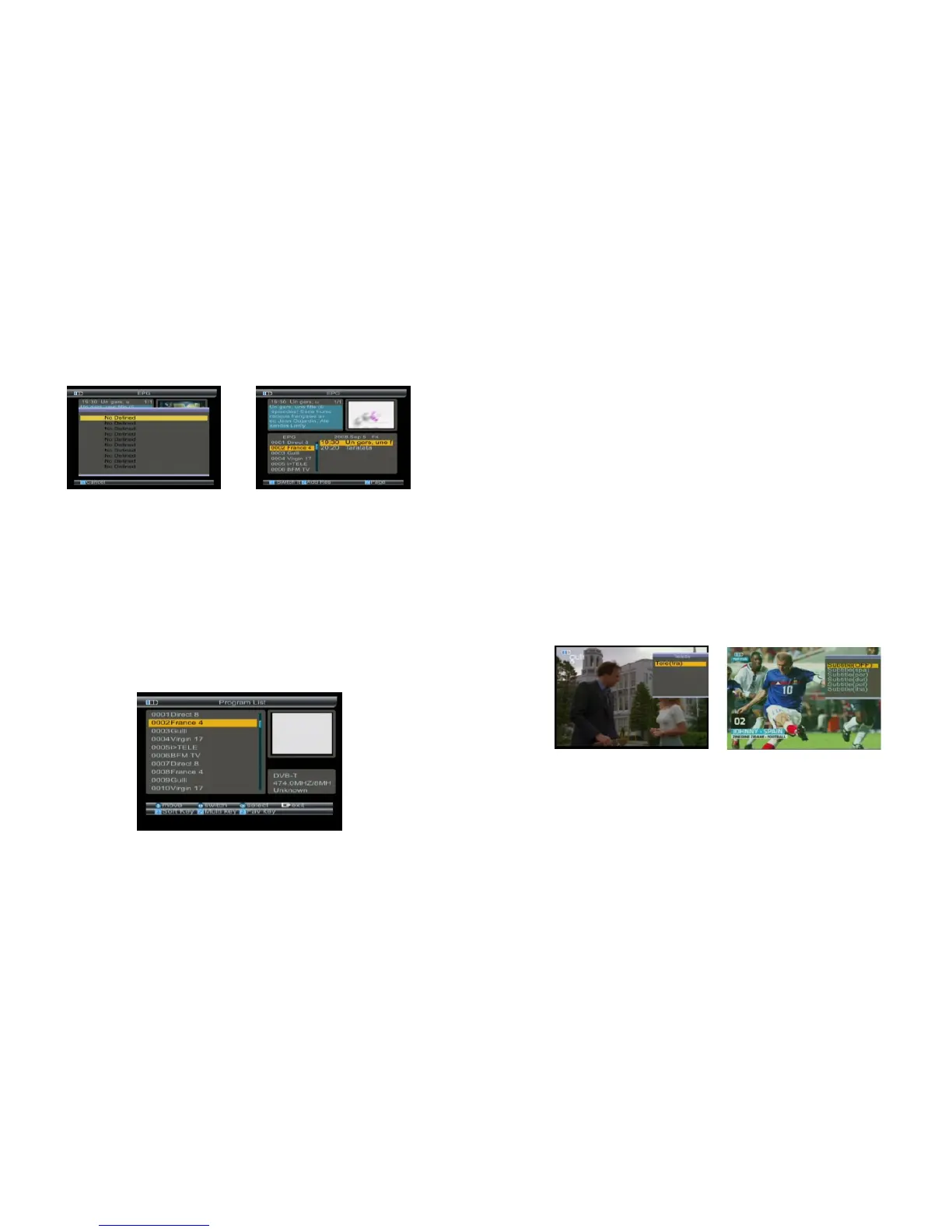
1.Press F1 key, return to channel select.
2.Press ▲▼, key to select item.
3.Press F4 key to change detail information page.
4.Press F2 key to book the current item,and enter
the booked items menu.
4.4 Program List
If there are some programs stored in the meter,
user can press OK to enter the menu.
Press ▲▼and ◄► key to change current channel.
Press OK key to select channel,then return.
4.4.1 Sort KEY
Press F1 key to sort channel
Please make reference to“4.2.3Sort order”.
4.4.2 Multi key
Press F2 key to select channel source
Please make reference to“4.2.5Sat sort”.
4.2.3 Fav key
Press F3 key to select favorite channel
Please make reference to“4.2.4 Favorite Sort”.
4.5 Subtitle
1.Press F1 key, you will notice the sub-menu with
sort order in screen.
2.Press▲▼ key to change subtiltle.
3.Press OK key to confirm.
21-Digital Satellite Meter Digital Satellite Meter-22



 To Next Page