THE PROFESSIONAL EQUIPMENT------------------|USER’S MANUAL| THE PROFESSIONAL EQUIPMENT------------------|USER’S MANUAL|
USB feautres:
Multi system format support: Such as, FAT16, FAT32
and NTFS format.
Mulit file format support: wma, mp3,mp4,avi,jpg,jpeg,
bmp,img etc
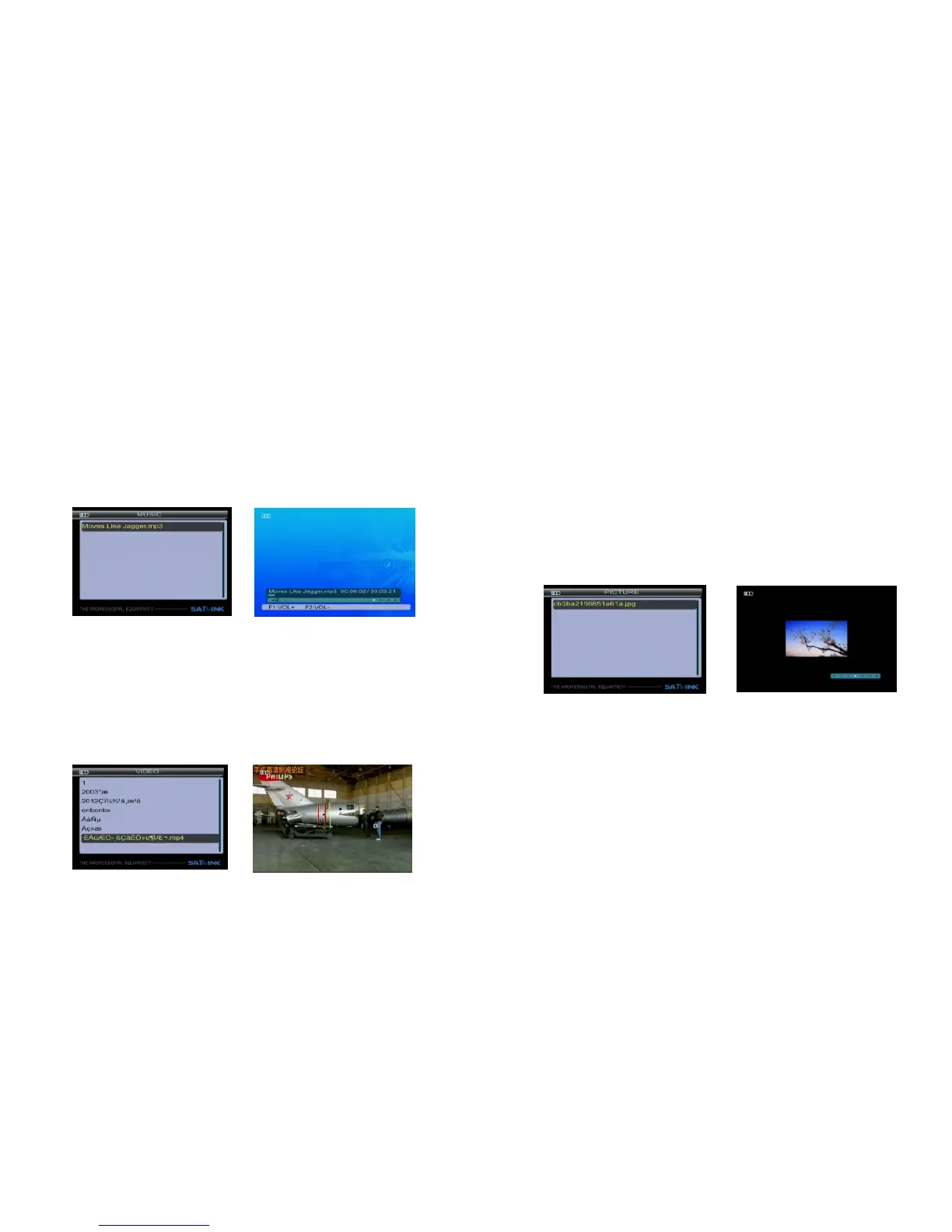
3.3.1 MUSIC
Press F1/F2 key to control volume.
Press ◄►key to move the cursor, then press OK key
to operate function.
There are Play/Pause, Previous song, Next song, Stop.
Press ▲▼ key to select song, then press OK key to play.
3.3.2 VIDEO
Press ▲▼ key to select the video file, then press OK
key to play.
Press ◄► key to control volume.
Press MENU key to appear playing bar.
Press ◄►key to move the cursor, that the tips will ap-
pear on upper right of screen, then press OK key to
operate function.
There are Backward, Forward, Play/Pause, Previous
file, Next file, Stop.
3.3.3 PICTURE
Press ▲▼ key to select picture, then press OK key to play.
Press MENU key to appear playing bar.
Press ◄►key tomove the cursor, then press OK key
to operate function.
There are Rotate, Delay set, ZOOM, Play/Pause, Pre-
vious Picture, Next picture, Stop.
3.3.4 Upgrade
Press F1 key to dump user database.
Press F2 key to dump default database.
Press F3 key to dump flash.
11-Digital Satellite Meter Digital Satellite Meter-12



 To Next Page