THE PROFESSIONAL EQUIPMENT------------------|USER’S MANUAL| THE PROFESSIONAL EQUIPMENT------------------|USER’S MANUAL|
Note1:When the adapter insert dc slot,Charging
indicator scintillation three times, then the indicator is
often bright, when the batteries charged sufficient, the
charge indicator is going out.
Note2:Keeping the key over 1 s, it will be the (2)fu-
nction, otherwise is the (1)function.
Note3:When the battery is on power failure,a voice
alarm, please a timely charge, do not continue to be used
to avoid the internal battery runs out and shorten the us-
age time.
2. OUTLINE
4.3 Inch High Definition TFT LCD Screen
Fully MPEG-2/MPEG4 compliant
MPEG-2 / H.264 Hardware decoding
Digital meter for signal strength and quality
Supports scan of Auto, Manual.
Sound and Light Alarm for Locking Signal
Speaker Integrated
Support both AV out and AV in
Ant short protect
PAL-NTSC auto-conversion
8.4V/3000mAh Lion Battery Included
Software upgrade via USB port
Easy to carry
3. THE MENU OSD INSTRUCTION
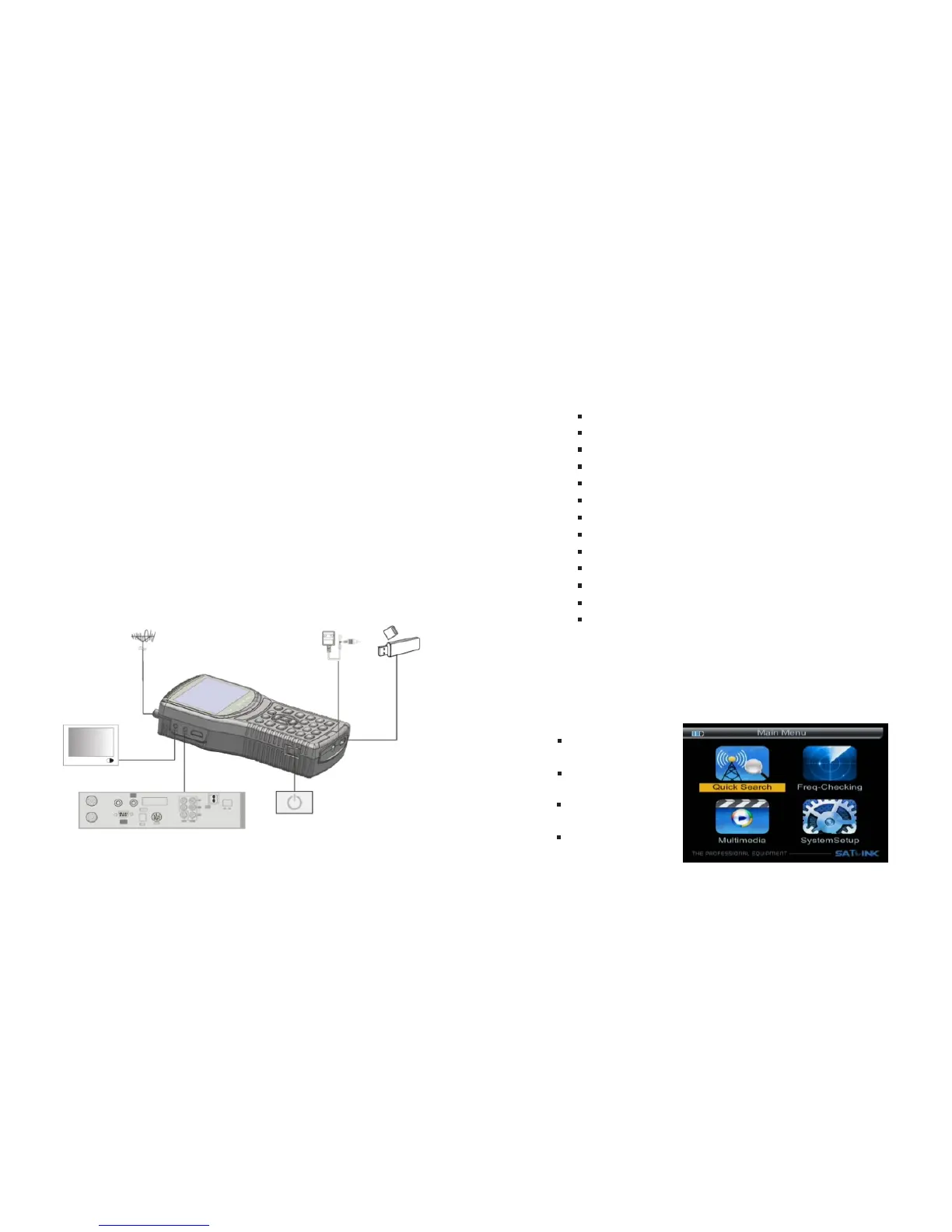
If you have installed and connected the cables to the
meter, pressing MENU key to display the Main Menu.
Quick Search
req-Checking
Multimedia
System Setup
05-Digital Satellite Meter Digital Satellite Meter-06
1.4 INSTALLATION OFMETER



 To Next Page