THE PROFESSIONAL EQUIPMENT------------------|USER’S MANUAL| THE PROFESSIONAL EQUIPMENT------------------|USER’S MANUAL|
Do not remove the cover.
Do not let the unit exposed to extreme heat, cold or h-
umid conditions.
Thank you for choosing our product. Before installation,
we would like to remind you some notes, which is very
important for operating safely and properly, as follows:
1 GUIDE
1.1 Important Safety Instructions
Be sure to read this user manual before starting your o-
peration.
You must install the dish with correct direction and an-
gle. If the dish is not working properly, contact your lo-cal
dealer.
When the unit is suddenly moved to a hot area from a
cold area, it may cause some problems. In that case, tu-
rn off the power, and turn on again after 1-2 hours.
Keep meter placed in clean space with sufficient ven-
tilation.
Do not cover the meter with or place it on a unit that e-
mits heat.
Clean the case by a soft cloth with a little washing liquid.
No liquids or any other materials to come inside of the
unit.
Do not use torch to exposure eyes.
1.2 Unpacking
Open the package and make sure it includes all below it-
ems, if any missing, please contact the reseller for repla-
cement.
1.Digital Satellite Meter
2.User’s manual
3.AV cable
4.Car charger cable
5.Adaptor
6.Carrying bag
7.Strap of carrying bag
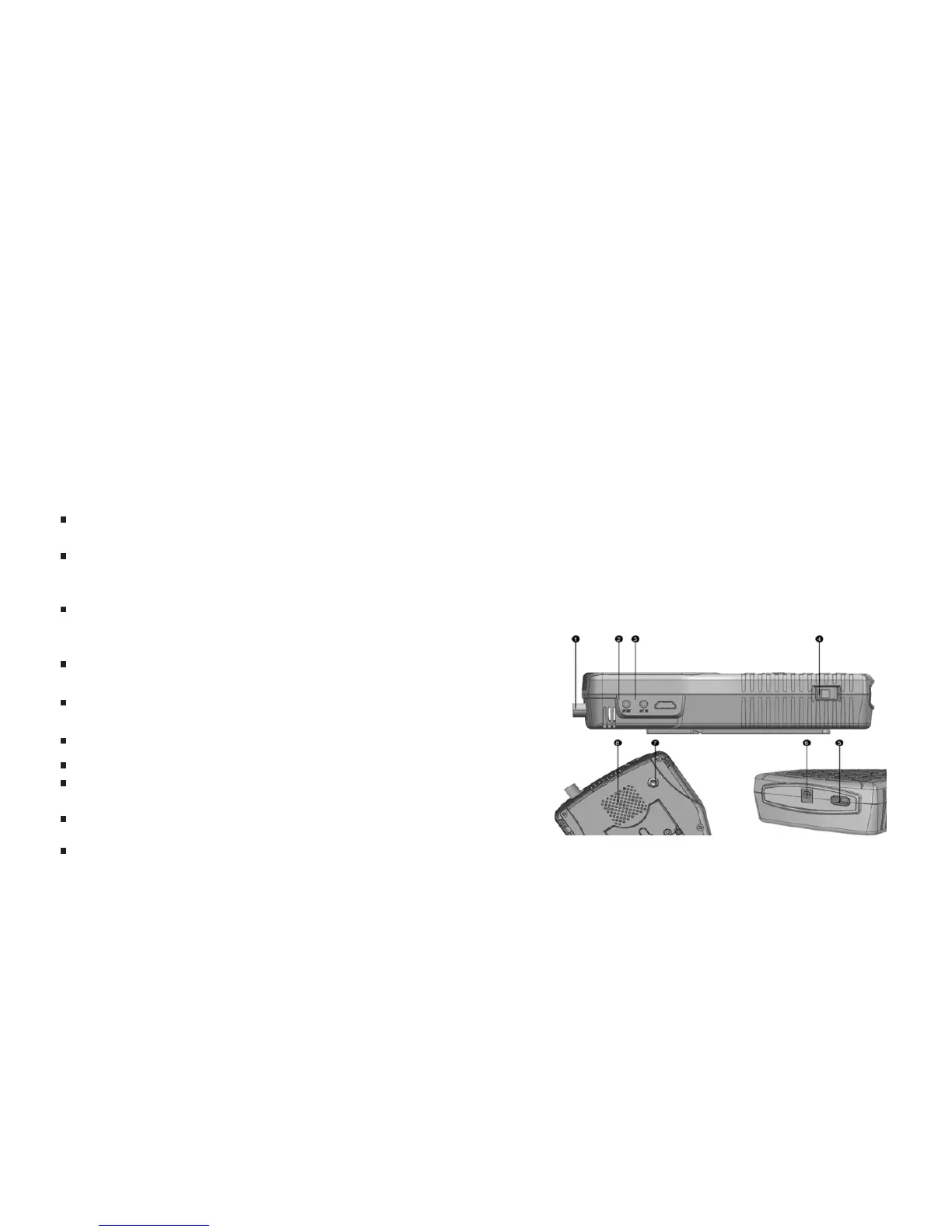
1.3 Product Overview & Illustration
01-Digital Satellite Meter Digital Satellite Meter-02



 To Next Page