THE PROFESSIONAL EQUIPMENT------------------|USER’S MANUAL| THE PROFESSIONAL EQUIPMENT------------------|USER’S MANUAL|
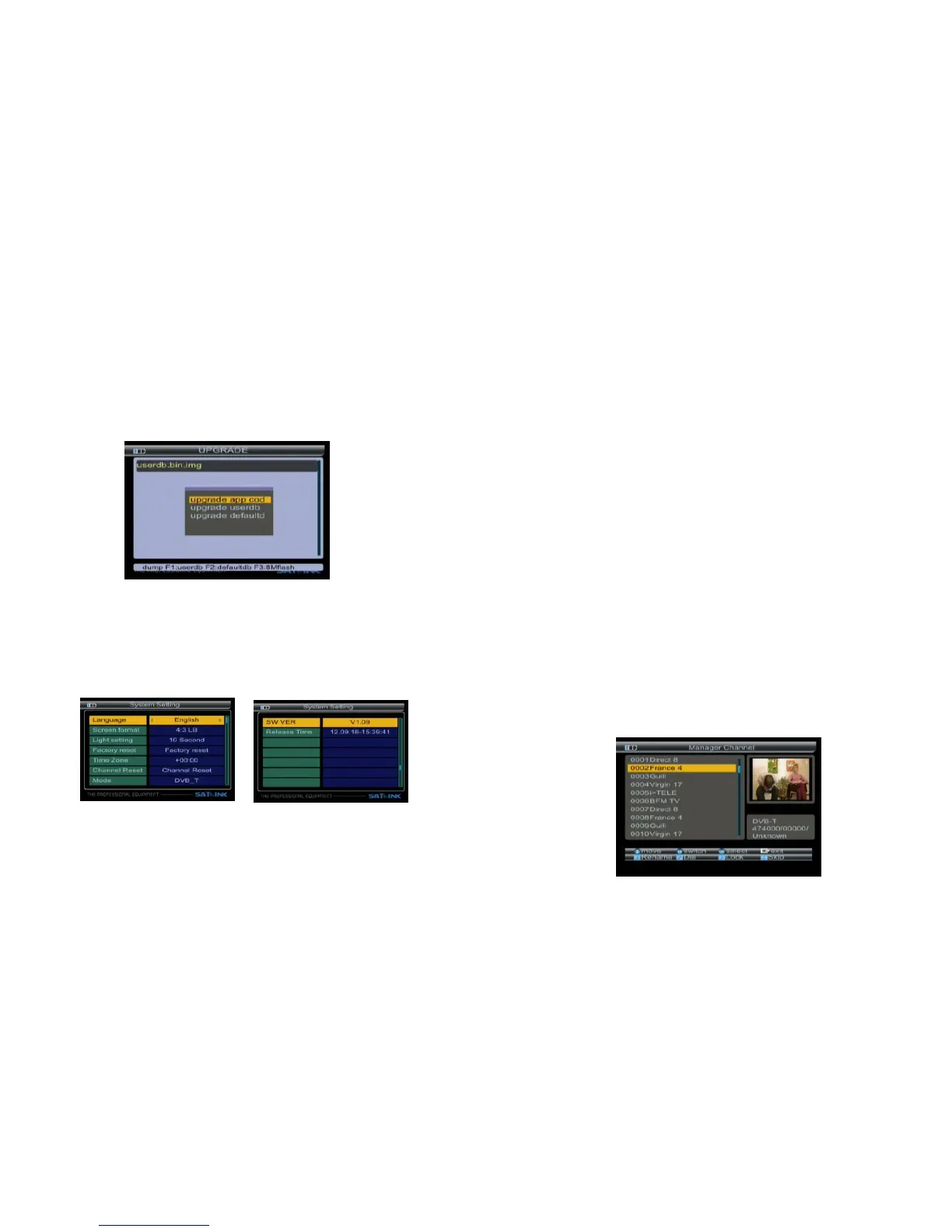
Press ▲▼ key to select update file,
Then press OK key to select upgrade part:
App code; user database; default database.
EXP:
If you want to update main code, please select the
main code file liking BT_CP09_V1_39_SA~N.img,the
size of file about a few Mbytes, then select upgrade
app code.
3.4 System Setting
3.4.1 Language:Press ◄► key to select language.
3.4.2
format:4:3PS/4:3LB/16:9PS/16:9LB.
Screen format:Press ◄► key to select Screen
3.4.3 Light setting: Press ◄► key to control delay of
key light:off/5s/10s/20s.
3.4.4 Factory reset: The factory default allows user to
restore the factory-reset values, when you press
OK key, the Warning window will appear, if you
select yes, the system setup will be reset to the
default values.
Warning: On selecting factory default you will lost all
of data and information, which was previous installed.
3.4.5 Time Zone:Press ◄►key to setTime Zone.
3.4.6 Channel reset:The channel reset allows user to
restore the default channel, when you press OK
key, the Warning window will appear, if you sel-
ect yes, the system setup will be restored to the
default channels.
3.4.7 Mode,SW VER,Release Time:You can look into
information of hardware and software.
4. Channel
4.1 Manager Channel
Press F4 key into the manager channel interface
13-Digital Satellite Meter Digital Satellite Meter-14



 To Next Page