THE PROFESSIONAL EQUIPMENT------------------|USER’S MANUAL| THE PROFESSIONAL EQUIPMENT------------------|USER’S MANUAL|
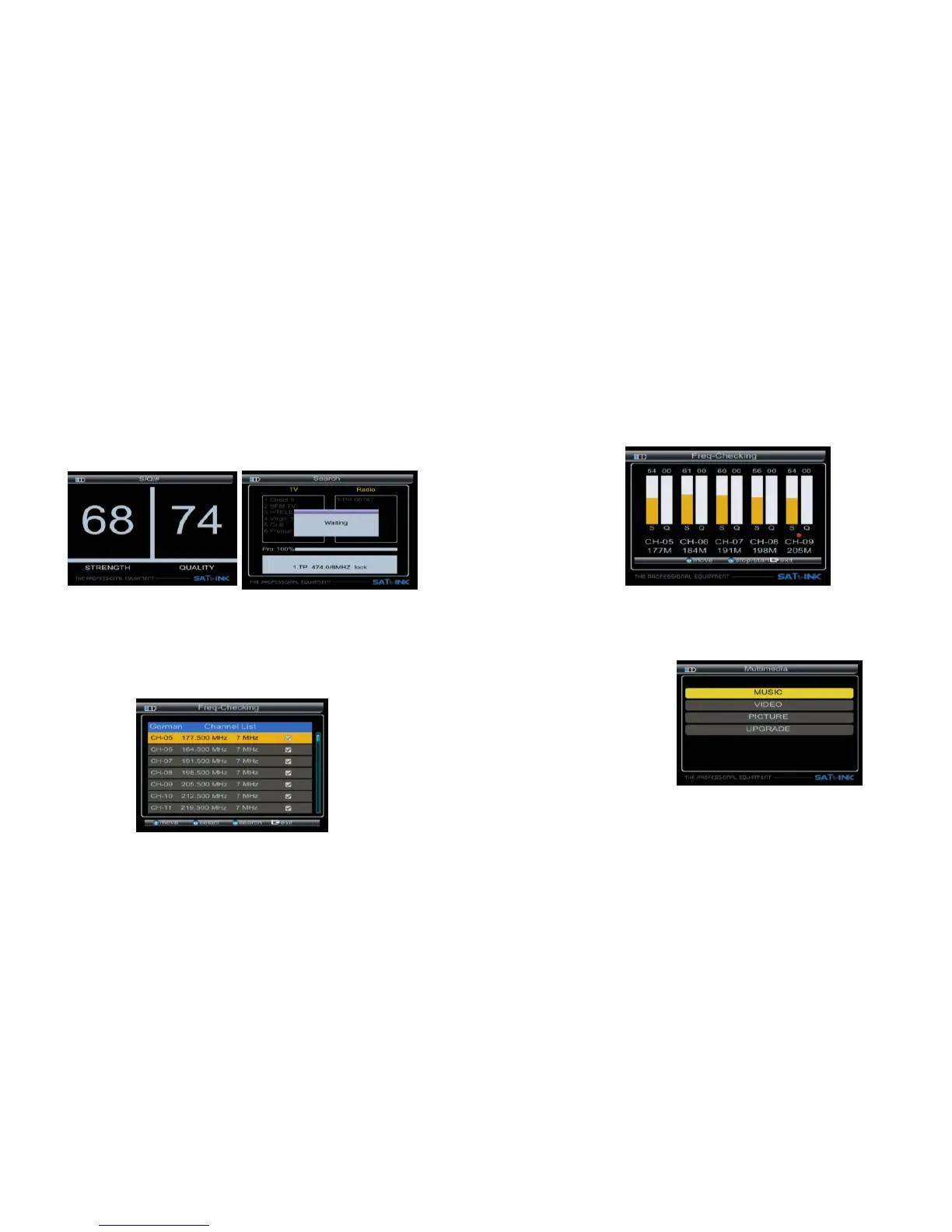
■ Scan : According to the current channel, search program
■ Auto : According to the channels of country, search
program. and quality.
■ S/Q:Enlarge showing of the signal strength
3.2 Freq-Checking:
make signal test for Multi-Channel
In the Fre–checking, we can
Press ◄► key to select the current channel.
Press▲▼ key to change channel.
Press OK key to enter next menu for signal testing
3.2.1 Signal Test:Check signals of five channel, in turn.
Press ◄► key to switch next/Previous channels
Press OK key stop/start check.
3.3 Multimedia:
support the following device:
The meter USB port, which intergrates
∙USB portable harddisc
∙USB memory
It will appear “storage device is inserted ” when
USB device is inserted to the USB port. The usb
device has been recognized and can be used.
Otherwise will appear “USB Device Not Found”.
09-Digital Satellite Meter Digital Satellite Meter-10



 To Next Page