10
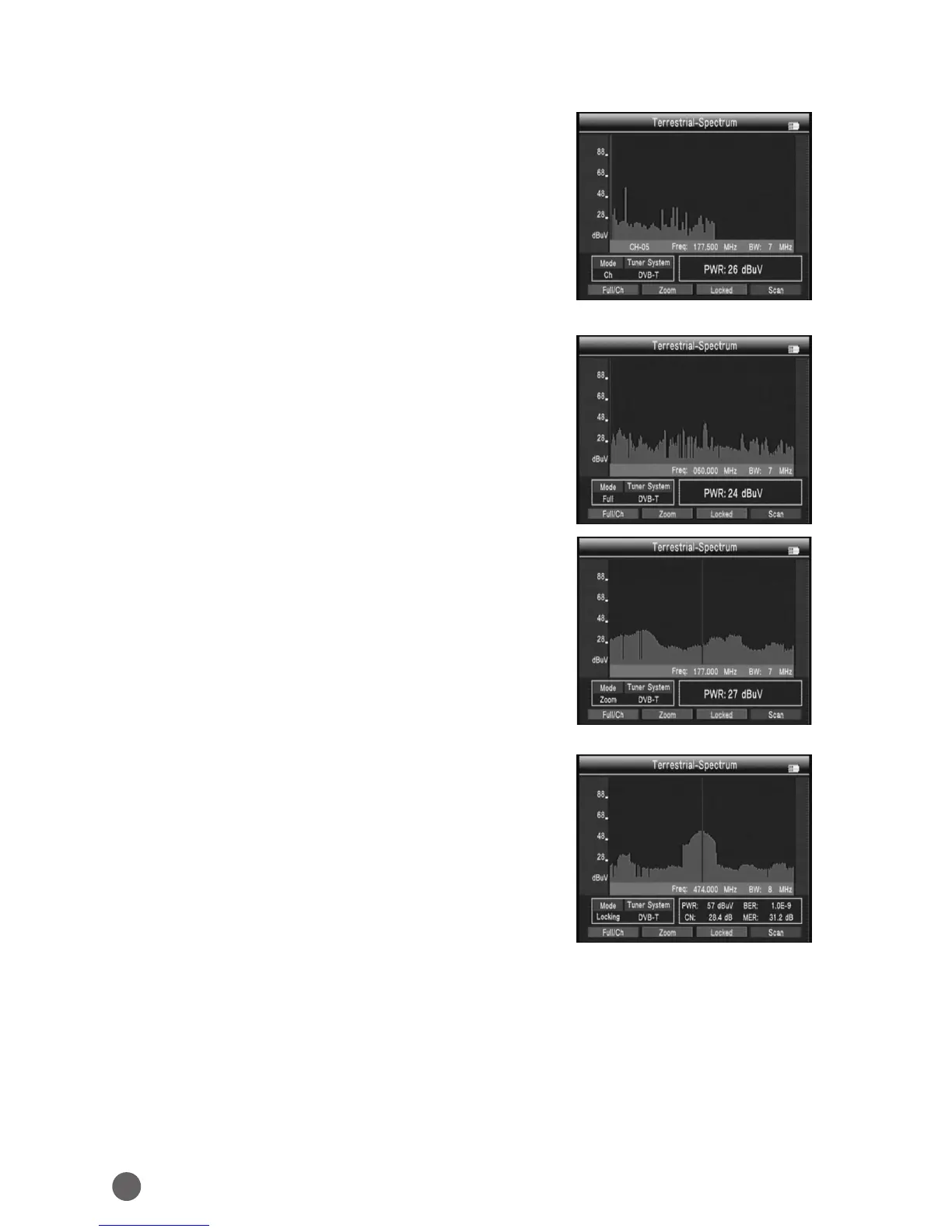
3.2.2 TERRESTRIAL-SPECTRUM
When we enter into this interface, we can
press
AB
key to scan some information about
spectrum in dierent frequency point.
• Full/Ch: Press red key to make all the
frequency points we can see on the window
or to make some frequency points on it.
• Zoom: Press green key to enlarge showing
the point you current select, and press again
it will be back.
• Locked: Press orange key to lock all the
current frequency points, and remain
unchanged unless you press again.
• Scan : When the frequency points have been locked, you can press blue key
to receive signal on a point.



 To Next Page