6
3. THE MENU OSD INSTRUCTION
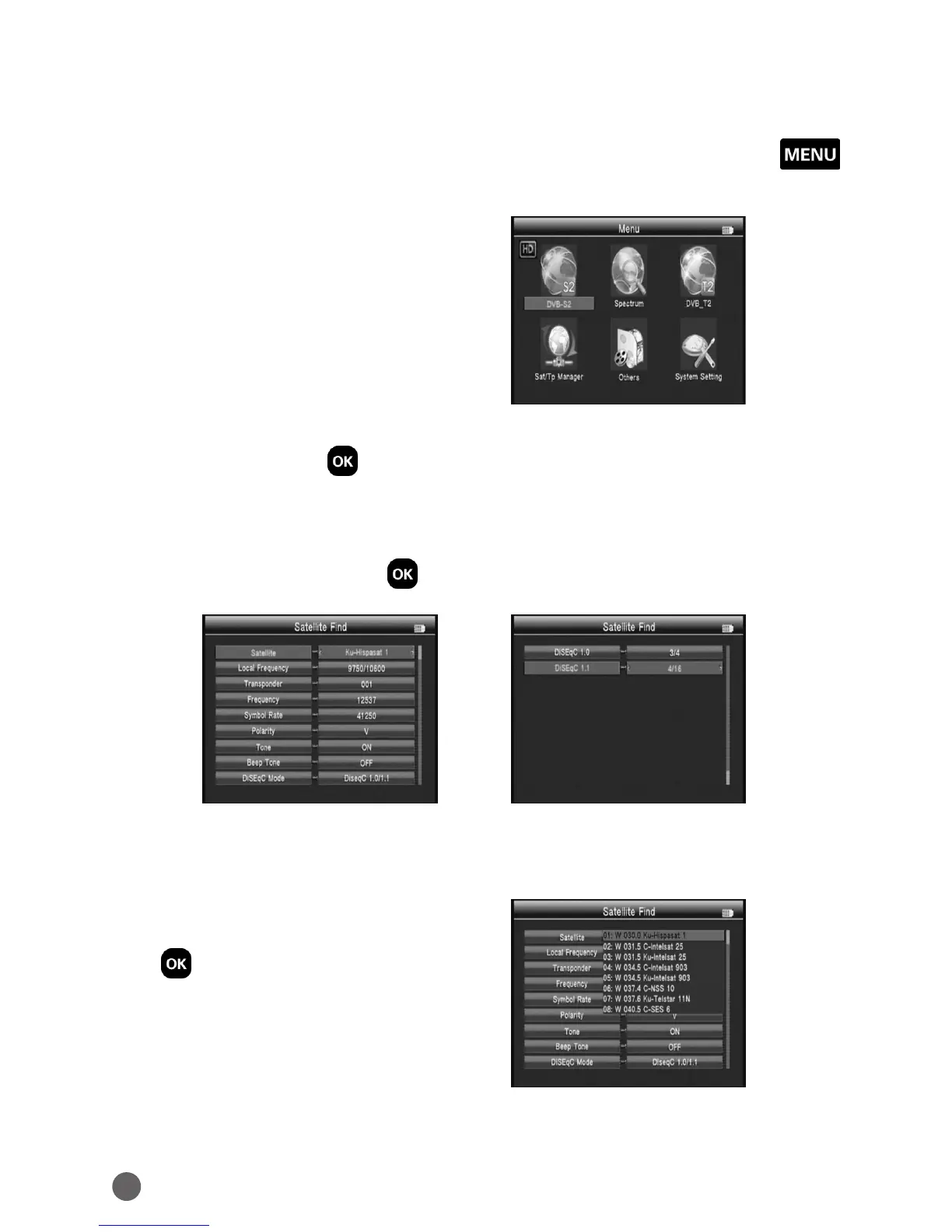
If you have installed and connected the cables to the receiver, pressing MENU
to display the Main Menu.
• DVBS2
• Spectrum
• DVBT2
• Sat/TP Manager
• Others
• System Setting
Press the keys of
YZAB
to move the cursor up or down in the menu
interface, then use OK to confirm a selection.
3.1 DVB-S2
Select DVBS2, then press OK into the Satellite Find.
3.1.1 SATELLITE
Press
AB
key into the satellite list. Use
YZ
key to move the cursor, then press
OK to select the satellite of you want.



 To Next Page