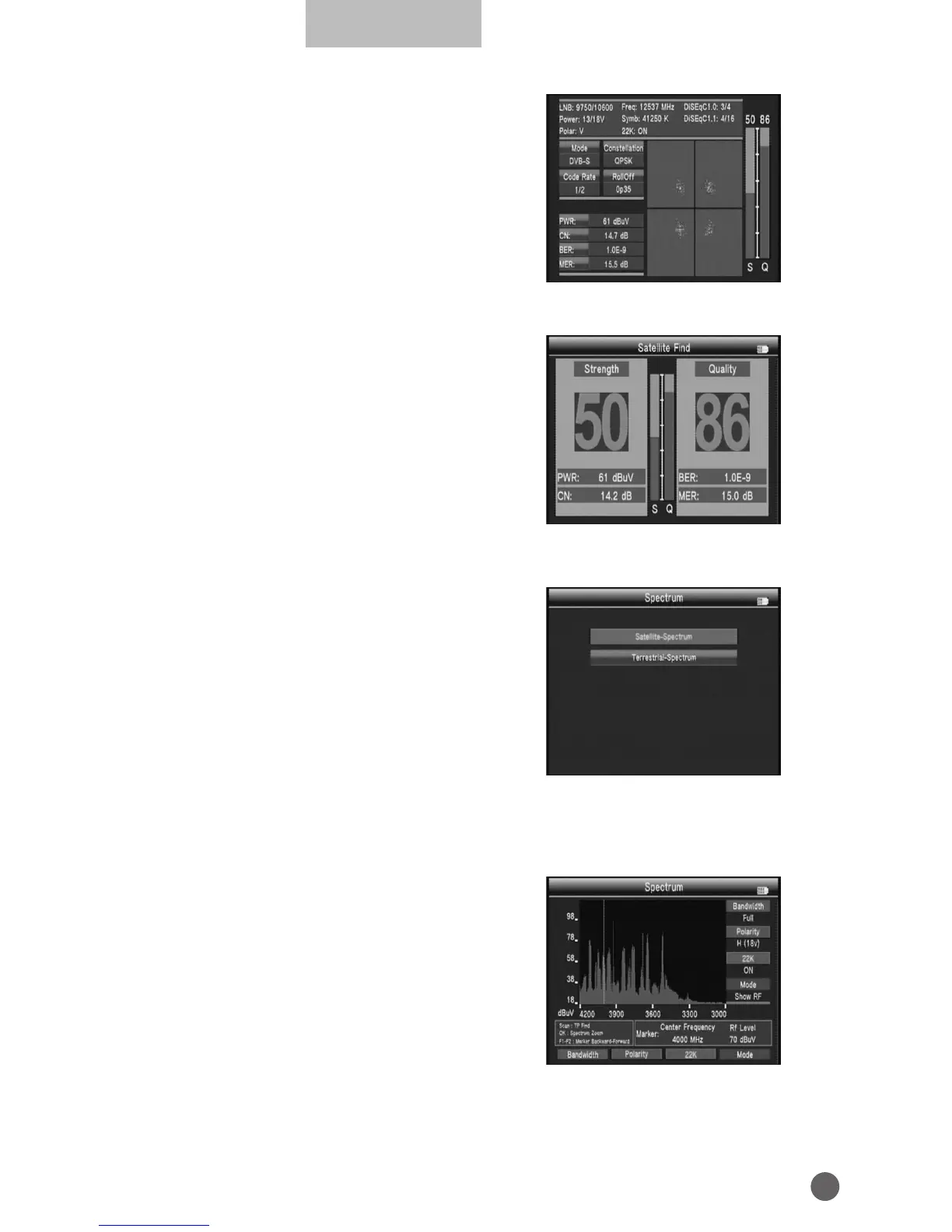
• S/Q: Press the orange key to enlarge
showing of the signal strength and quality.
• Constellation: Press the blue key into the
constellation.
3.2 SPECTRUM
• SATELLITE‐SPECTRUM
• TERRESTRIAL‐SPECTRUM
3.2.1 SATELLITE-SPECTRUM
Press
AB
key to change Frequency;
Press red key to change bandwidth;
Press green key to change vertical or
horizontal of polarization;
Press orange key to switch 22K on or o;
Press blue key to change mode Show IF
or RF.



 To Next Page