12
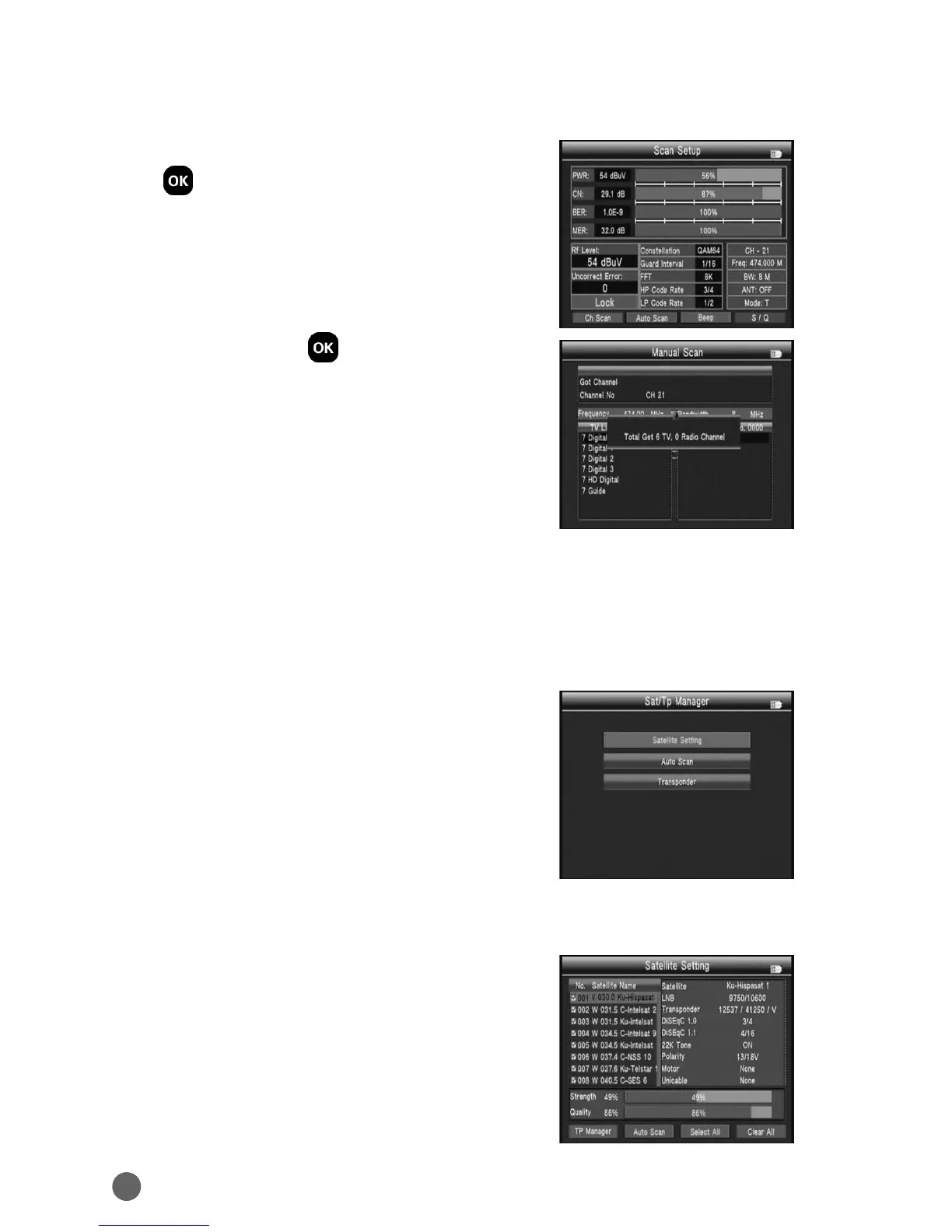
3.3.0.1 Quick Search
In the Channel Find interface, you can press
OK to enter the quick search.
• Ch Scan: Press OK or red key to search
current channel.
• Auto Scan: Press green key to auto search the current channel.
• Beep: Press orange key to open beep tone.
• Zoom: Press blue key to enlarge showing of the signal strength and quality.
3.4 SAT/TP MANAGER
• Satellite Setting
• Auto Scan
• Transponder
3.4.1 SATELLITE SETTING
In the all Satellites Setting:
Press blue key to clear all selecte of satellite.
Press orange key to selecte all satellites.
Press green key into auto scan interface.
Press red key into the Transponder interface.
Press
YZ
key
to move the cursor, then press
OK
to change the satellite select or unselect.



 To Next Page