MENU, it will appear a comfirmation message. Then press OK to confirm the
operation or select “x” by pressing OK to cancel.
• Satellite
Press blue key then press
AB
key to select program list of the single satellite,
or all satellite
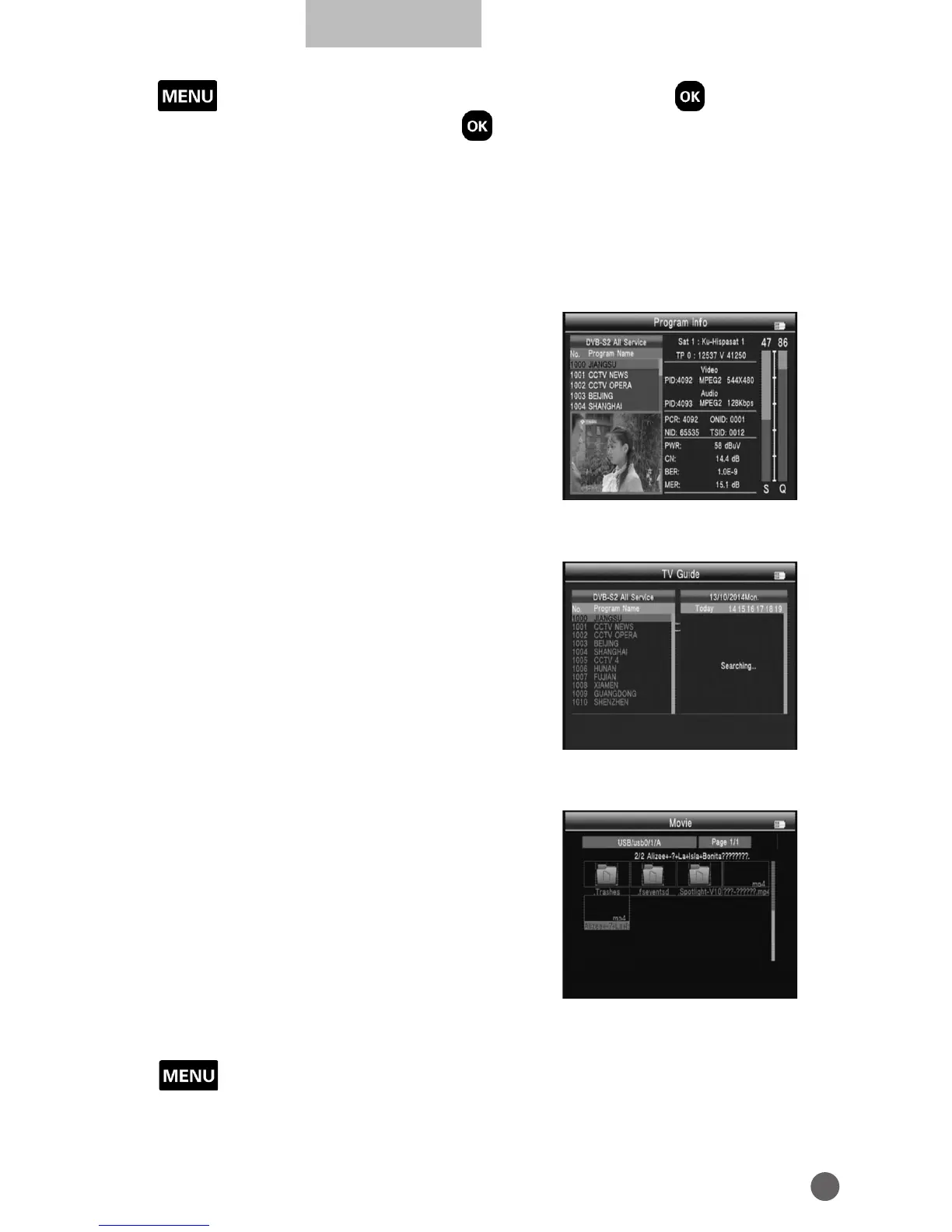
3.5.2 PROGRAM INFO
In the Program Info we can check the
information of the current TV.
3.5.3 EPG
Press
YZ
key to change program. If the
current program has EPG information, it will
appear on the right side of the window.
Press
AB
key to change the day of the EPG
information.
3.5.4 MOVIE, MUSIC & PHOTO
Will need to play the files in the USB and
insert it into the machine.
• Movie
Press red key to the mode option of play files and text encode, then press
MENU return.
Press green key to change the folder file viewing to detailed list.
Press orange key to change mode to big Icon browsing.



 To Next Page