Section One
12
www.Satloc.com Falcon User Manual, Rev A
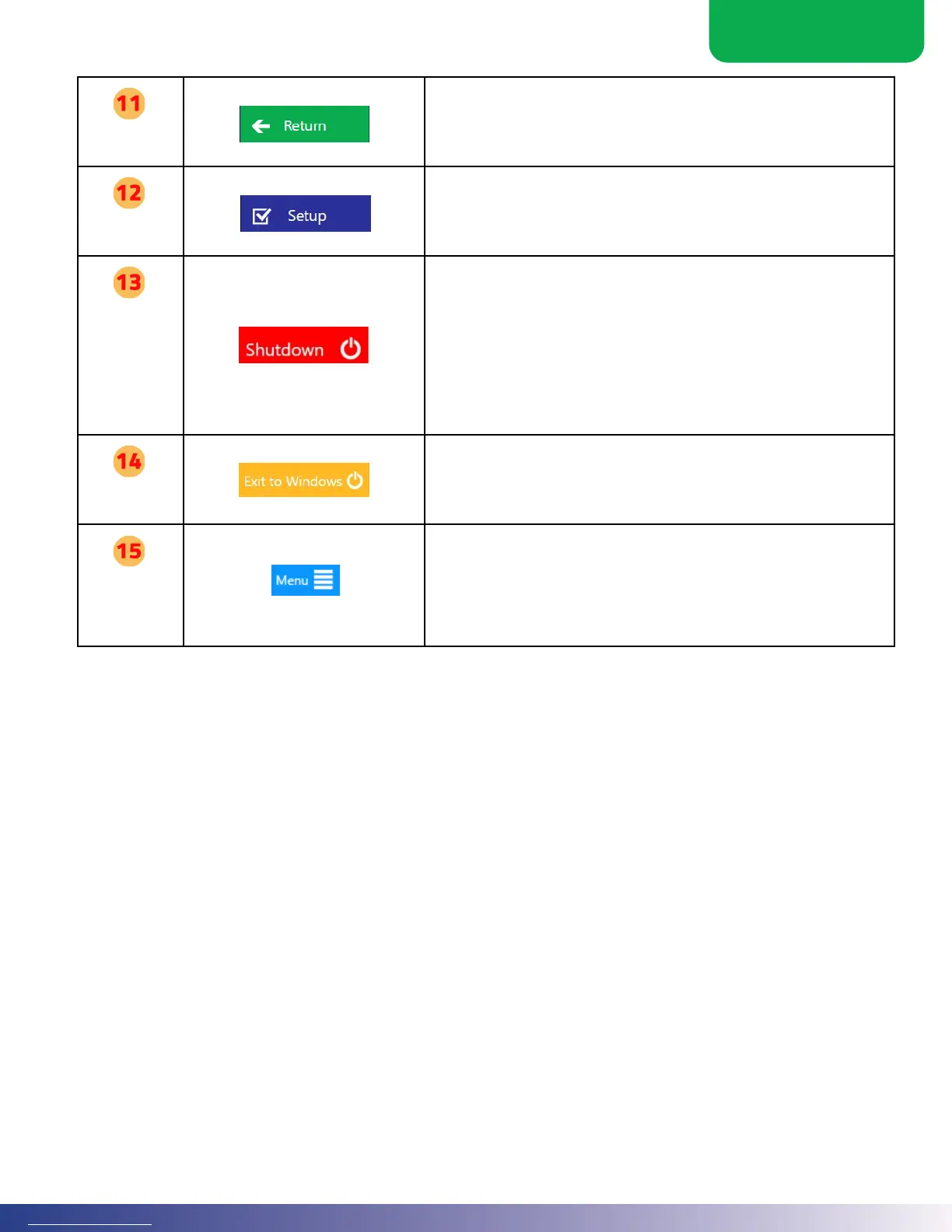
Return
e return button in any menu steps back to the higher-level menu or from the
Main Menu to the map screen.
Setup
is Setup button and a complementary “Menu” button on the Setup page swap
back and forth for quick access.
Shutdown
is shutdown button is the best way to power o the Falcon. Aer conrmation,
it will shut down the soware, Windows, and gently power o all Falcon
components. Once the Lightbar and Display go dark, it is safe to turn o the
main power to the Falcon.
Note: e le-most LED on the display will remain green as long as power is
supplied to the Falcon; the rest will turn o during this power-down routine.
Once shutdown has started, the only way to start the Falcon is through a complete
power-o and power-on cycle.
Exit to
Windows
Occasionally, the user may need to interact with Windows. Aer conrmation,
this will shut down the Falcon soware. Falcon can be relaunched through an
icon on the main Windows screen.
Menu
(takes to
Moving Map
Screen)
is menu button will take a user straight to the Moving Map Screen



 To Next Page