Section Two
27
www.Satloc.com Falcon User Manual, Rev A
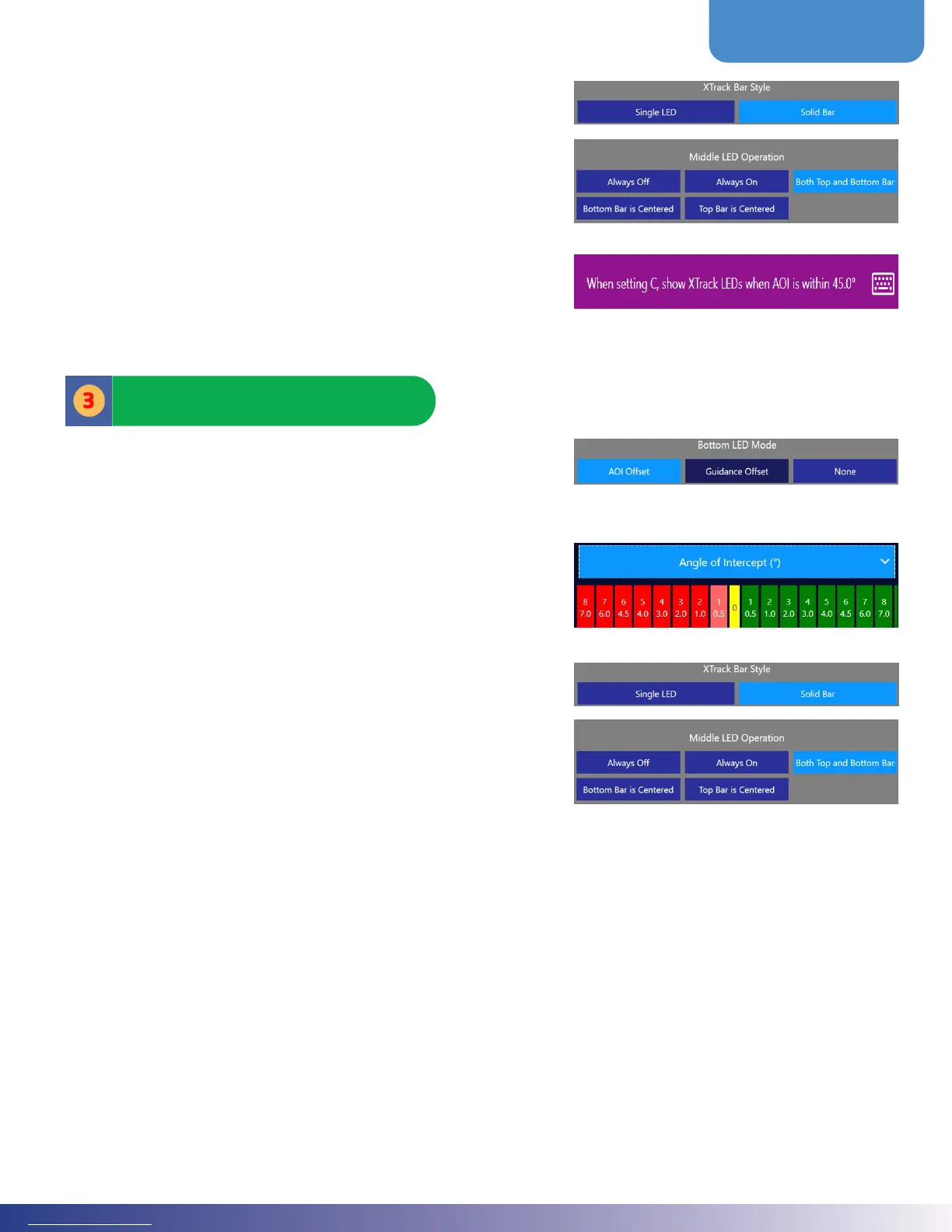
Also in the ‘Top Bar’ editing menu:
1. Whether oset is displayed as a solid bar extending from
center or a single LED
2. Behavior of the vertical three LEDs at center, this in
conjunction with the ‘Bottom Bar’
ere is also an option for Xtrack Oset in cases where the
user has picked a C pattern, set an A-B, and is traversing over
multiple swaths to set a C. is setting will prevent the XTrack
Oset from swiping back and forth when it is not needed until
the plane turns into a possible C swath. e default is 45 degrees
meaning the XTrack will remain o until the AOI is within 45
degrees of parallel. At that point, the Xtrack LEDs will resume
guiding the pilot into the nearest C Swath.
e ‘Bottom Bar’ is typically for application, set to the Angle of
Intercept (AOI). During Guidance, it can be used in addition
to or in place of the Top Bar Guidance Oset. irty-seven (37)
colorful LEDs run across the bottom bar.
Users can specify what degree/oset for each LED. e LEDs are
measured in degrees for AOI and Guidance. Note: the degrees
must increase value from the center out. Click on a green or red
box to edit the complementary pair of angles.
Also, in this location, set whether the AOI or Guidance Oset
is displayed as a solid bar extending from the center or a single
LED. e behavior of the three vertical LEDs at the center is also
controlled here. is is in conjunction with the Top Bar.
Bottom Bar



 To Next Page