Section Two
32
www.Satloc.com Falcon User Manual, Rev A
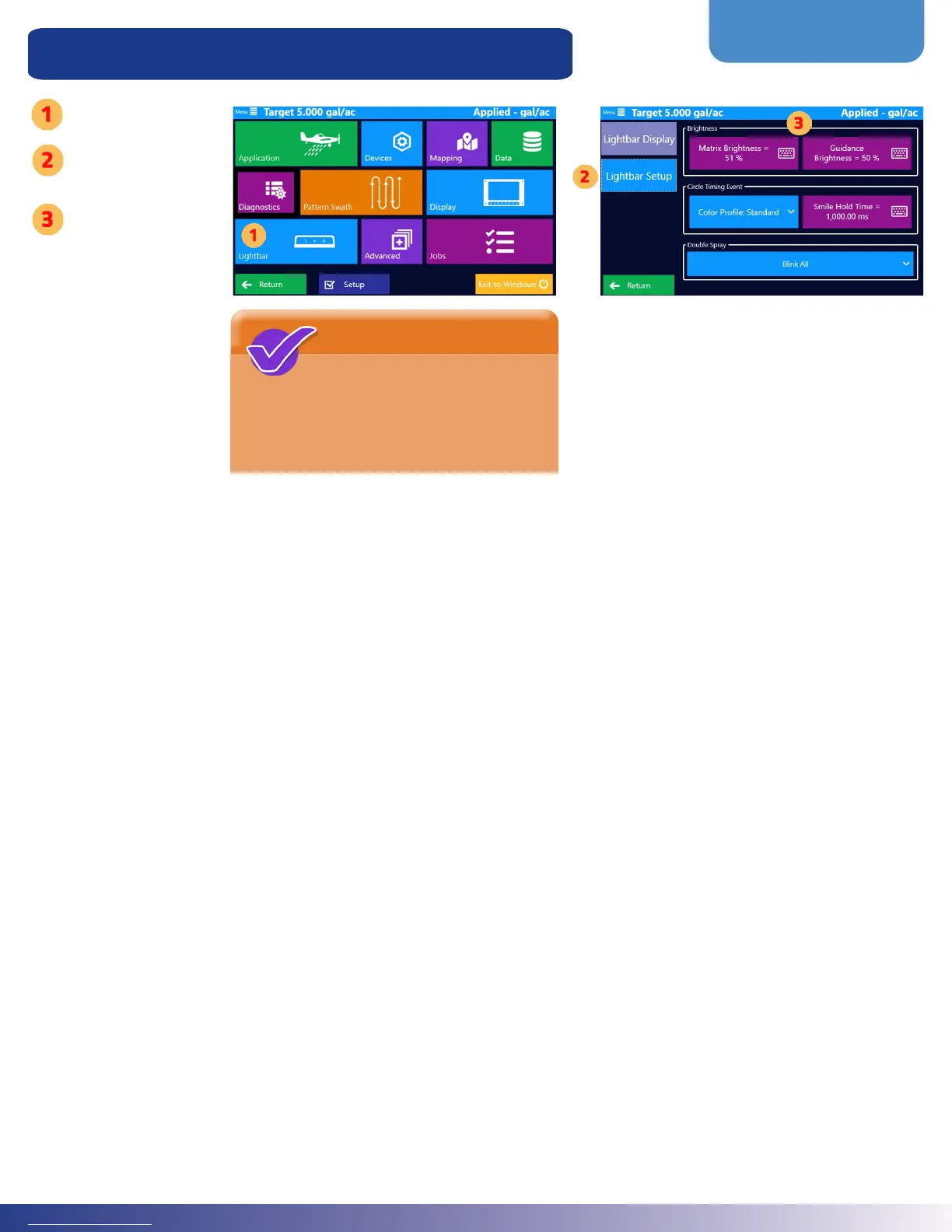
Lightbar Dimming & Warning Settings Setup
Tap the ‘Lightbar’
Tap ‘Lightbar Setup’
Tap on the
following buttons to
edit settings:
• Text
Brightness
• Guidance
Brightness
• Color Prole
for Center
Circle
• “Smile” Hold
Time
• Double Spray
Blink Style
NOTE
A double-spray warning appears
(if set to ON) when you apply
on a previously sprayed area. It also
appears when you come into contact with
your previous swath width.



 To Next Page