Copyright © 2020 Savant Systems, IncSavant Pro Remote Deployment Guide
009-1536-01 | 201030
14 of 16
Appendix B: System Monitor
The System Dashboard tab contains all pertinent information required. The System Dashboard window is described below.
General Information
download 26
Mobile Device Status tab > Android Voice Remote
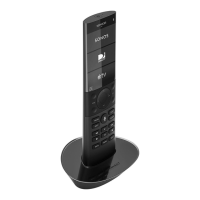
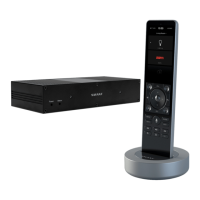
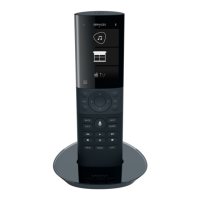
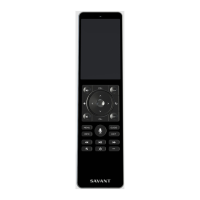
Name The Pro Remotes (REM-1100 and REM-2000) are labeled as an Android Voice Remote and can’t be changed.
Status
Connected Remote is connected and communicating with the Savant Host.
Disconnected
Savant Host is not communicating with the Remote. This could be due to:
– The Remote being switched O.
– Wi-Fi signal not being received.
– Possible problem with Remote.
– Host not available.
Battery Life The percentage of power left on the battery. Range 0-100%.
Network The SSID of the network the Remote is connected to.
Wifi Level The Wi-Fi signal strength received at the Remote. Range 0-3 with 3 indicating a strong signal and 0 indicating a weak signal.
Type Android is displayed. This is the operating system the Remote is running on.
Zone Displays the zone the Remote is currently controlling.
App Version The version of the Savant software app that is running on the Remote.
Software Version The version of the Android operating system that is running on the Remote.
Savant Unique ID A 16-character Savant ID that allows the Savant Host to identify the Remote..
Update Status
Shows the status of a software update. If Remote is not updating, Idle is displayed.
Done - Remote is rebooting after download and install has completed.
start - Indicates there is a software update for the Remote available and the download will begin momentarily.
download - Software is being downloaded from the cloud to the Remote.
Update Progress (%)
If the firmware in the Remote is updating, the progress of the download is displayed. The field is blank when no download is
occurring.



 To Next Page