Copyright © 2020 Savant Systems, IncSavant Pro Remote Deployment Guide
009-1536-01 | 201030
7 of 16
5. Installation
5.1. Install Remote
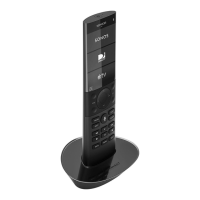
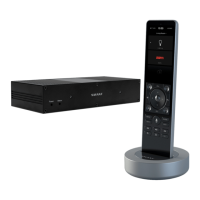
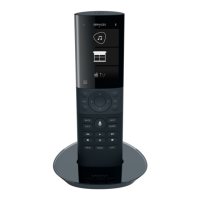
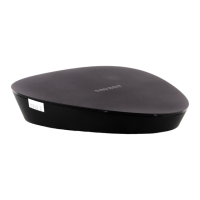
1. Place the Remote and charging base on a surface that is flat, dry, well ventilated, and out of direct sunlight.
2. Plug the supplied power adapter into a 120 - 240V AC 50/60Hz surge protected outlet receptacle.
3. Plug the supplied power cord between the Remote base and the power adapter.
4. Place the Remote into the charging base. The Remote battery will begin to charge once placed in the base. Once suciently charged, the remote
will power on and display the Savant logo. After a short boot sequence, the Connect to Wi-Fi Network screen is displayed.
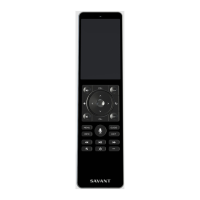
HELPFUL! If the Remote doesn’t automatically power up, press and release the power button on the top of the Remote. After about 5 seconds,
the Savant logo will appear.
5.2. Add Remote to a Savant Host
Follow the steps below to connect to the local Wi-Fi network and then to a Savant Host.
1. Select the Begin button. 2. In the screen that opens, select the local Wi-Fi network. 3. Enter the password for the network
selected. Select Next when complete.
BEGIN
Connect to Wi-Fi
network
First, we’re going to select your
wireless network from a list of
available networks. Have your
network name and password ready.
Reset Wi-Fi Config
Select hidden Wi-Fi
Retry Scan
Wi-Fi Network 1
02:12:1b:46:93:22 Level -77
Wi-Fi Network 2
02:12:1b:46:93:22 Level -58
– Reset Wi-Fi Configuration – Select to
clear any Wi-Fi credentials currently
stored on the Remote and reset the
Wi-Fi radio.
– Select hidden Wi-Fi Button – Select to
manually enter a network name (SSID)
and password. In the screen that opens,
enter the network name (SSID) of the
local network and follow the prompts.
– Retry Scan Button –Select the Retry
Scan button if the local wireless
network is not initially listed. A rescan
will typically locate the network.
PASSWORD
a b c d e
f g h i j
k l m n o
p q r s t
u v w x y
z
X
ABC
BACK NEXT
TIP! The Level field presented in this screen is the RSSI value.
Higher RSSI value indicates a stronger Wi-Fi signal.



 To Next Page