Copyright © 2020 Savant Systems, IncSavant Pro Remote Deployment Guide
009-1536-01 | 201030
4 of 16
1. Important Information
IMPORTANT! PLEASE READ BEFORE CONTINUING
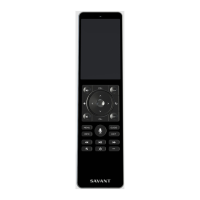
– The hole beside the power button on top side of the Remote is a port for the built-in microphone and NOT a reset button. DO NOT insert any objects in
this hole or damage to the Remote could occur.
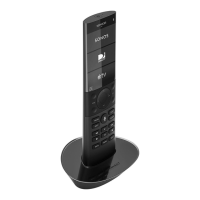
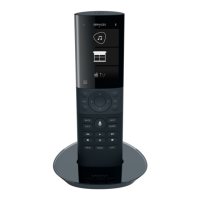
– The Remote’s base is simply a charging station. Place the Remote into its base to charge the battery whenever the battery level gets low.
– The Remote is powered by a rechargeable lithium-ion battery.
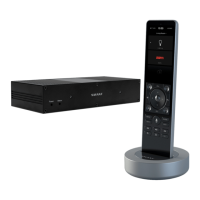
– The Remote communicates with the Savant Host over Wi-Fi® (802.11 b/g/n - 2.4GHz/5.0GHz). See Appendix A: Network Requirements.
– Supports WPA and WPA2 security protocols.
– The Remote does not have to be within line of sight of a device to control it.
– REM-2000 model Pro Remotes support multi-room control.. If the Remote can communicate with the local Wi-Fi, it can control any device from any
room/zone.
– The Remote receives software updates over the air (OTA). See the Remote Software Updates (OTA) section below.
– The Savant Host that the Remote is associated with must have a user that is registered with the Savant cloud. If there is no registered user, the Remote
will default back to a local user and will have limited functionality.
– The maximum number of Remotes allowed in a system depends on the number of rooms supported by the Host. Ideally, a user can add a Remote into
every room in a Savant Pro system.



 To Next Page