Copyright © 2020 Savant Systems, IncSavant Pro Remote Deployment Guide
009-1536-01 | 201030
6 of 16
4. System Overview
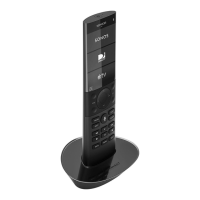
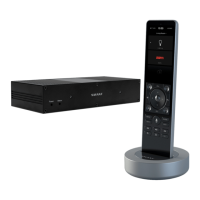
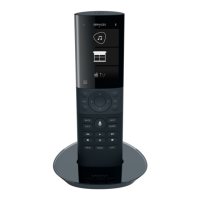
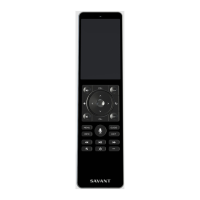
The Pro Remote system includes a Remote, charging base, and power supply. The diagram below shows how the Remote communicates with the Savant
Host over the local network once installed and configured.
Remote
120-240V AC
50/60Hz
Place Remote into
Base to Charge
Communicates with the
Savant Pro System over Wi-Fi
Pro Host
Smart Host
Local Wi-Fi
Network
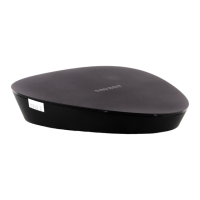
Remote Base
On the bottom side of the Remote base is a Status LED. The Status LED indicates if the charging base is powered on or not.
Remote Base
Status LED
O: Not powered
Solid Green: Powered
Box Contents and Specifications
Refer to the Quick Reference Guide (QRG) for the REM-1100 or REM-2000 located on the Savant Customer Community for Box Contents and
Specifications.



 To Next Page