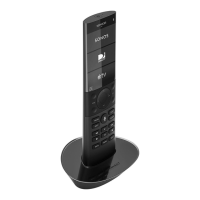
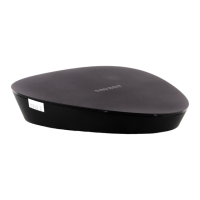
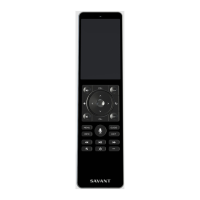
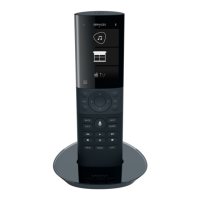
Pro Remote User Guide | 009-1410-06 45 Perseverance Way, Hyannis, MA 02601
© 2020 Savant Systems, Inc | 201210 2 of 18 Savant.com | 508.683.2500
5. Services ................................................................................................................................. 11
5.1. Channel Favorites ..................................................................................................... 11
5.2. Powering O an Audio/Video (A/V) service ................................................ 11
5.3. Service Icon Table ................................................................................................... 12
6. Scenes .................................................................................................................................. 15
6.1. Capture Savant Scenes on the Pro Remote .................................................. 16
7. Sleep Timer ......................................................................................................................... 17
8. Voice Commands ............................................................................................................. 17
8.1. Activate a Command ............................................................................................. 17
8.2. List of Voice Commands ....................................................................................... 17
8.3. Siri Voice Commands ............................................................................................. 17
Contents
To access links to any section within this document, click the corresponding entry in the table of contents below
1. Introduction to the Savant Pro Remote ....................................................................3
1.1. Networking ..................................................................................................................3
1.2. Gestures ........................................................................................................................ 3
2. Hardware Overview ........................................................................................................... 4
2.1. REM-1100 ......................................................................................................................4
2.2. REM-2000 ....................................................................................................................5
2.3. REM-4000 ...................................................................................................................6
3. Pro Remote Screens .........................................................................................................7
3.1. Additional Screen Information .............................................................................7
3.2. User Log In/Log Out ................................................................................................ 7
3.3. Users (Configured Cloud User Accounts)........................................................8
3.4. Savant User (Default User Profile) ...................................................................... 8
4. Settings ................................................................................................................................9
4.1. About .............................................................................................................................9
4.2. Remote Settings ........................................................................................................9
4.3. Interface Settings .................................................................................................... 10


 To Next Page