OPM 200 en-GB 36
©
Scania CV AB 2014, Sweden
Lubrication system
5.
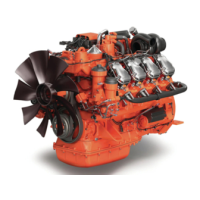
Remove the rotor cover by holding the rotor
in both hands and tapping the rotor nut
against the table. Never strike the rotor di-
rectly as this may damage its bearings.
6.
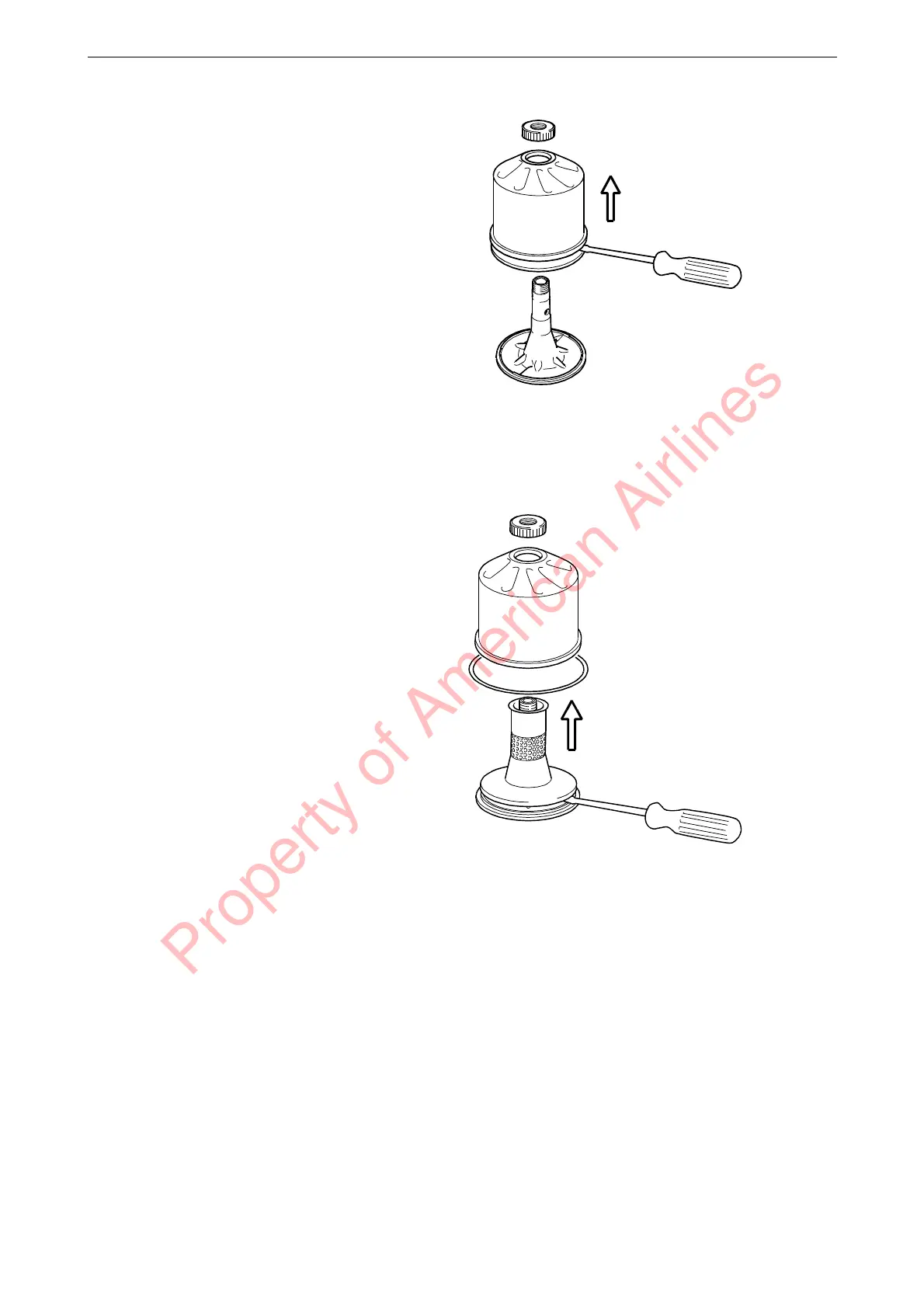
Remove the strainer from the rotor cover. If
the strainer is stuck, insert a screwdriver be-
tween the rotor cover and strainer and care-
fully prise them apart.
Property of American Airlines



 To Next Page