ONIN OUT
OFF
1 2 3
1
4
2
5
3
6
1
4
7
2
5
8
3
6
1
4
ON
2
5
OFF
3
6
1
4
2
5
3
6
STOP
Fn
Model Button conguration
G5 P3 3 one-step pushbuttons
G5 P4 4 one-step pushbuttons
G5 P6 6 one-step pushbuttons
G5 P8 8 one-step pushbuttons
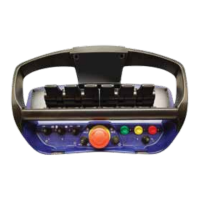
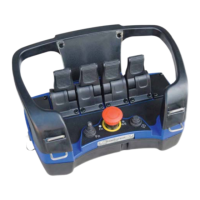
The G5 Pocket Transmitter comes in the following versions:
The G5 Pocket systems are normally delivered with the default settings. Default start button
is button number 7 and default stop button is button number 8. Button number 1-6 has a
momentary activation of output 1-6. (Pocket Transmitters with 6 buttons or less needs to be
congured before they can be started.) If any other functions are required they need to be
congured prior to operation. The pushbuttons are easily programmed to activate any output
or function. Button denitions include momentary, interlocked or latched output. Please have
a look at chapter 15 if any description of the functionality is declared.
There are two ways of conguring the functionality. With On-Site programming or with WinSCI
software. Neither of them are described in this manual as it is intended for the installer and
end user. Please contact Scanreco in case of programming is required.
Another Pocket or Rocket transmitter can be congured to work as a repeater to extend the
working range. Please contact Scanreco in case of repeater function is required.
G5 P3 G5 P4
G5 P6
G5 P8 G5 P8 G5 P8
The models may have the different printed symbols on the buttons, colors, scripts,
pictures etc.
4.2 Versions
4.3 Functionality
9/33



 To Next Page
 Loading...